English_29
● CAMERA OPERATION
SEL POS/ XPOS/ YPOS : Adjust the size and position of the selected area.
RETURN : Return to the SPECIAL menu.
This function mitigates any picture movement due to
external factors such as wind.
❶
If the SPECIAL menu screen is
displayed, use the Function Setup
switch so that the arrow indicates
‘VIDEO ANALYTICS’.
❷
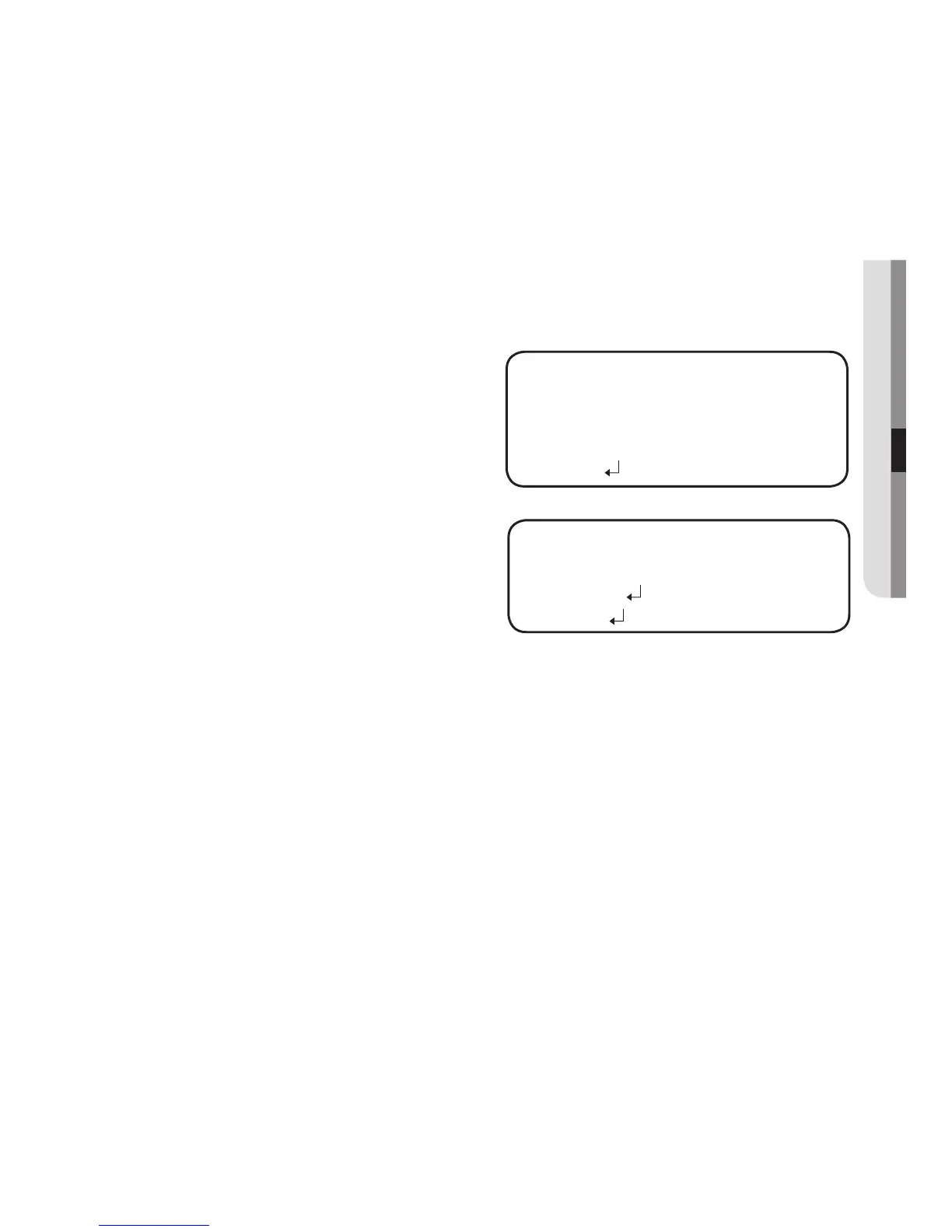
Select a desired mode using the
Function Setup switch.
TAMPERING : If the screen view
is obstructed or the
camera location
is changed,
tampering
detection, you can
issue an event signal by setting it.
SENSITIVITY : Set the sensitivity to tampering detection.
ALARM OUT : Outputting of detection signals can be set.
EXTERNAL : Send signals through external terminals.
OSD : Display signals on the screen.
RETURN : Return to the TAMPERING menu.
RETURN : Return to the VIDEO ANALYTICS menu.
In the following cases, the initially set tampering detection function can malfunction.
- In a monitoring environment with a simple background or an environment with low light level or at
night, the detection performance can deteriorate.
-
Sudden changes in the lighting and severe camera shaking can be wrongly detected as tampering.
-
Immediately after tampering, the camera tampering detection can take up to a max of five seconds.
- If camera tampering is detected, after some time(five sec), stabilization will be done before
restarting. During stabilization, there is no detection.
-
-
-
M
TAMPERING
▶
1.
SENSITIVITY
MIDDLE
2.
ALARM OUT
3.
RETURN
VIDEO ANALYTICS
▶
1.
TAMPERING
OFF
2.
MOTION
OFF
3.
INTELLIGENCE
OFF
4.
RETURN



 To Next Page