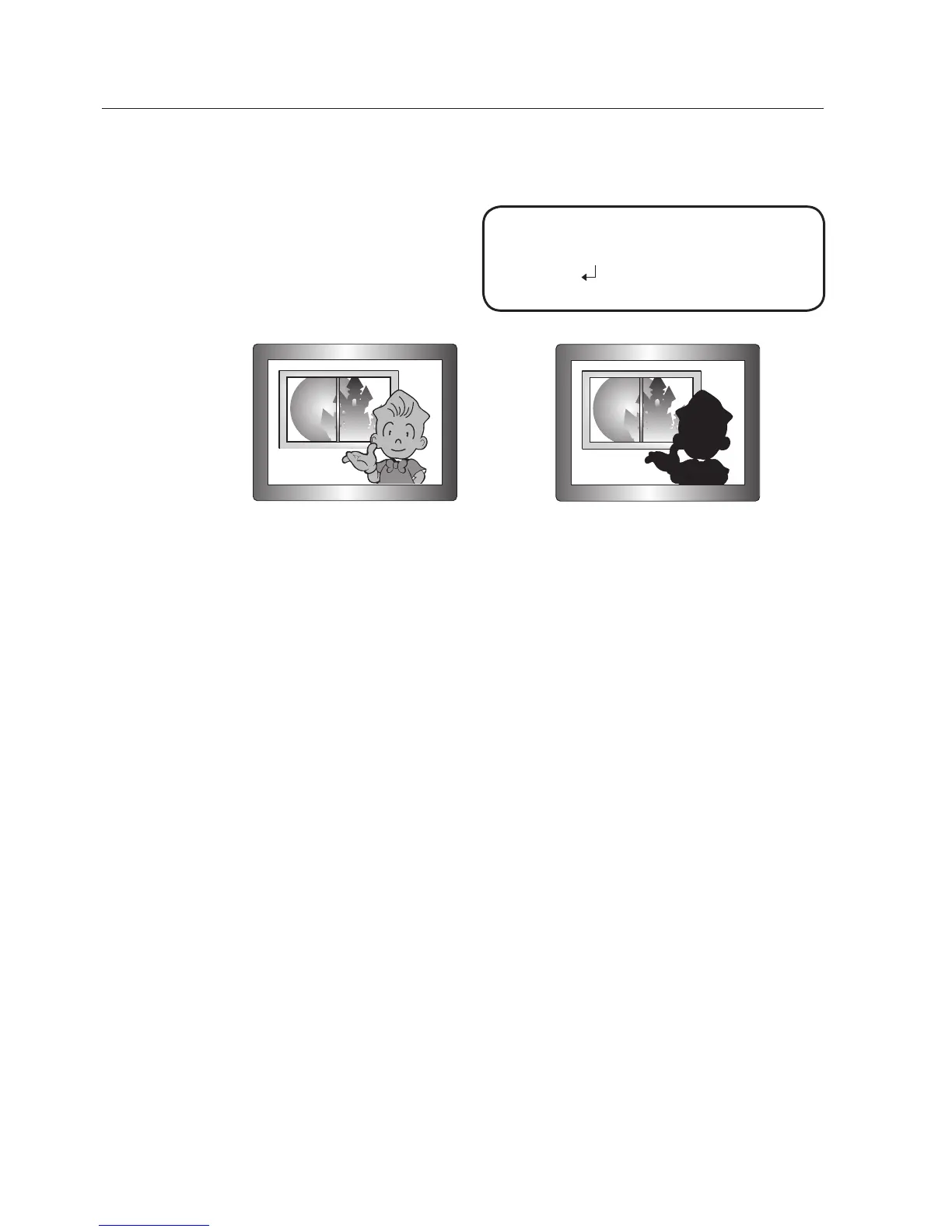
When there are both bright and dark areas at the same time, this mode makes
both areas distinctive.
LEVEL :
Select one from low,
med, high to adjust the
brightness of the WDR
setup.
<WDR ON> <WDR OFF>
RETURN : Return to the MAIN SETUP menu.
In WDR mode, the max/min shutter value is set to 1/2 to 1/240.
In WDR mode, there can be noise between a bright and dark area.
Depending on light conditions, unnatural changes or symptoms can occur on the screen so
deactivate the user mode.
-
-
M
WDR SETUP
▶ 1.
LEVEL
MIDDLE
2.
RETURN



 To Next Page