FRANÇAISENGLISH
27
Basic Shooting
Effectuez un enregistrement simple
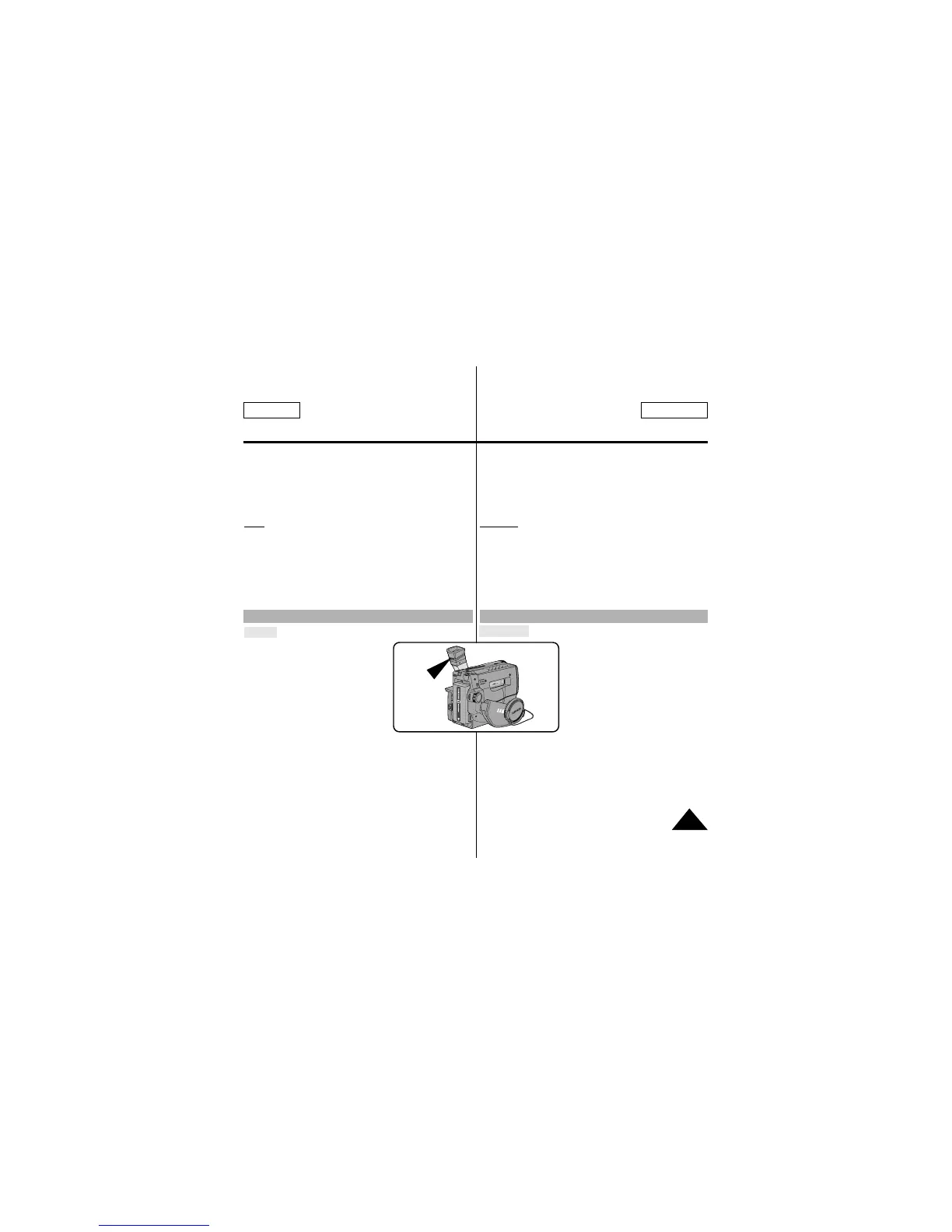
Adjusting Focus of the VIEWFINDER Réglage du viseur
9. Turn the UP/DOWN dial to adjust the LCD color setting.
10. Press ENTER.
■ For further adjustment, repeat steps 7, 8, 9.
11. Press the MENU ON/OFF button to end the setting.
Note: ■ If you do not press a button within 30 seconds,
the setting will disappear.
■ The MENU ON/OFF function will not operate in
EASY mode.
Focus:
Use the focus adjustment knob of the
VIEWFINDER to focus the picture.
9. Tournez le bouton UP/DOWN pour régler l’écran LCD.
10. Appuyez sur ENTER.
■ Pour d'autres réglages, répétez les étapes 7, 8 et 9.
11. Appuyez sur la touche MENU ON/OFF pour quitter le mode
de réglage.
Remarque: ■ Si au bout de 30 secondes, vous avez appuyé
sur aucune touche, le réglage disparaît.
■ La fonction MENU ON/OFF n'est pas disponible
en mode EASY.
Exposition:
Ajustez la mise au point de l’oculaire à
l’aide du levier de réglage du viseur.



 To Next Page