Advanced Recording
Perfectionnez vos enregistrements
FRANÇAISENGLISH
39
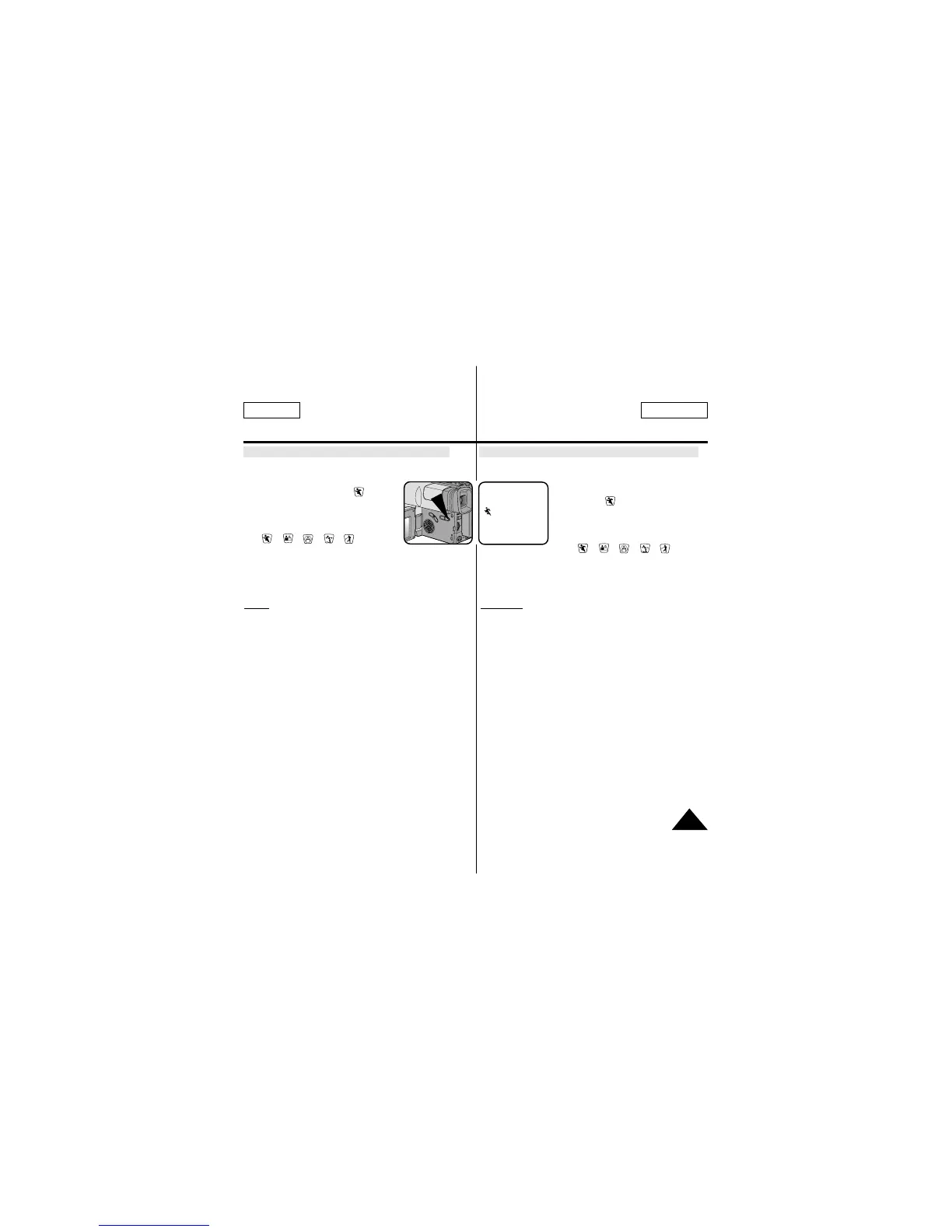
Setting the PROGRAM AE(Automatic Exposure) mode
1. Set the power switch to CAMERA mode. (see page 18)
2. Press the P.AE button, the ( ) symbol
will be displayed.
3. Press the P.AE button until the
appropriate symbol is displayed.
( ➔➔➔➔)
■ No Display : Full Auto mode.
Notes:
■ The P.AE mode chosen will be recorded on the tape.
■ To end the P.AE function, press the P.AE button once or
several times, until the P.AE Icon is no longer displayed.
■ The P.AE function will not operate in EASY or CUSTOM
mode.
■ The BLC function will not operate in P.AE mode.
Réglage du mode PROGRAM AE (exposition automatique)
1. Placez le commutateur principal sur la position CAMERA.
(voir page 18)
2. Appuyez sur la touche P.AE.
L'icône ( ) s'affiche.
3. Appuyez sur la touche P.AE jusqu'à ce
que l'icône correspondant au type de
prise de vues souhaité s'affiche.
( ➔➔➔➔)
■ L'absence d'icône indique que le
mode PROGRAM AE est
désactivé.
Remar
ques:
■ En cas de changement du mode d'exposition durant la
prise de vues, l'icône correspondant au nouveau mode
sera enregistrée sur la bande.
■ Appuyez sur la touche P.AE jusqu'à ce que l'icône P.AE
disparaisse pour désactiver cette fonction.
■ La fonction P.AE n'est pas disponible en mode EASY ou
CUSTOM.
■ La fonction BLC n'est pas disponible en mode P.AE.
STBY
0:00:00
JAN. 31, 2002



 To Next Page