EasyManua.ls Logo

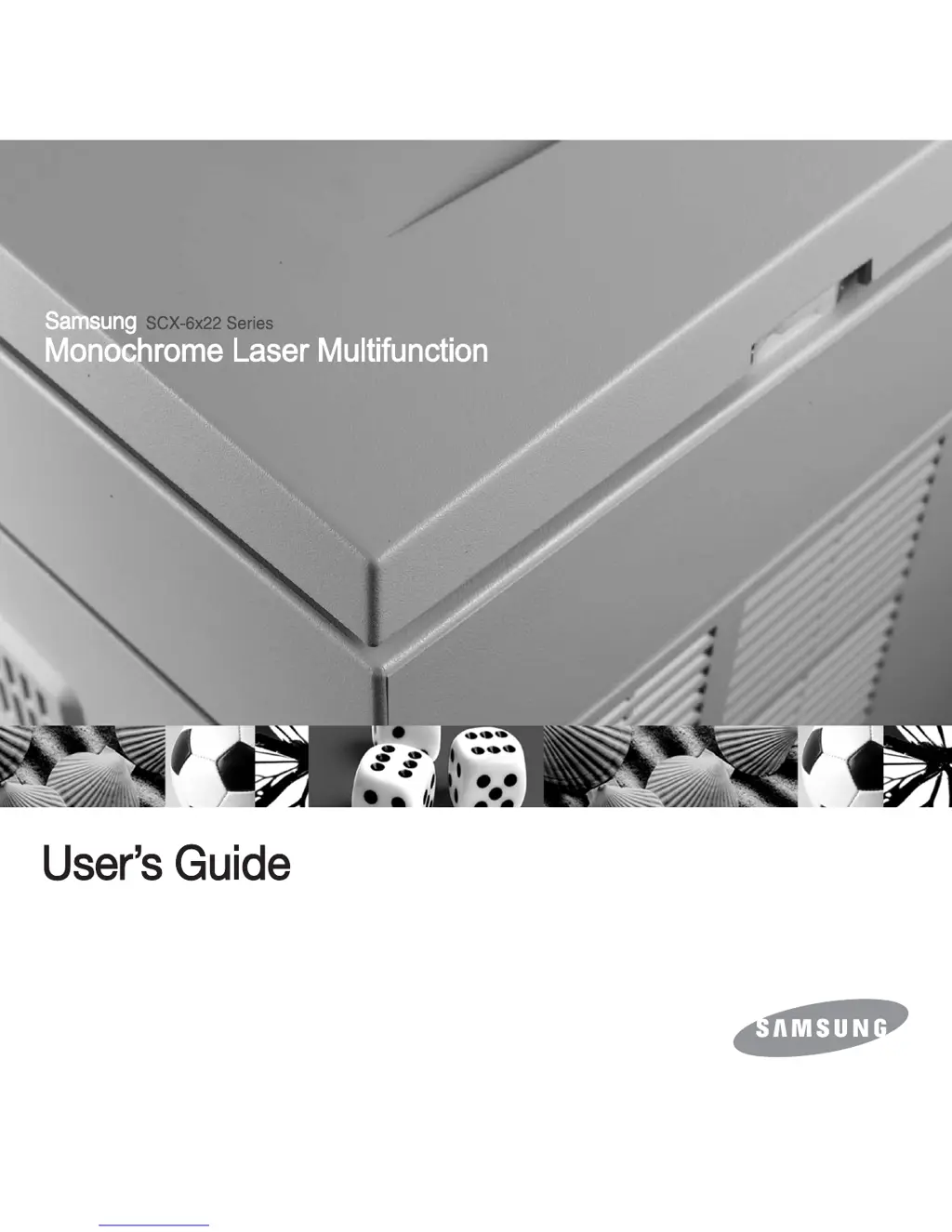
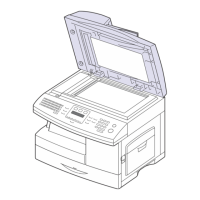
Samsung SCX-6322DN - User Manual

Samsung SCX-6322DN
148 pages
Print Icon
To Next Page IconTo Next Page
Loading...

Table of Contents

Other manuals for Samsung SCX-6322DN

Questions and Answers

  • C
    Cindy FrostSep 9, 2025
    Why does my Samsung All in One Printer say '[No Answer]'?
    • K
      Kayla FreemanSep 9, 2025
      The '[No Answer]' message on your Samsung All in One Printer means that the receiving fax machine has not answered after several redial attempts. Try again, making sure that the receiving machine is operational.
  • C
    Corey MoonAug 23, 2025
    How to fix a 'Paper Jam 0 Open/Close Door' error on a Samsung SCX-6322DN All in One Printer?
    • C
      Colin EatonAug 23, 2025
      The 'Paper Jam 0 Open/Close Door' error on your Samsung All in One Printer indicates that paper has jammed in the feeding area of the tray. Clear the jam to resolve this issue.
  • G
    Gregory LucasAug 25, 2025
    What causes 'Toner Empty Replace Toner' on my Samsung SCX-6322DN All in One Printer and how to fix it?
    • C
      Carrie ParkerAug 25, 2025
      The 'Toner Empty Replace Toner' message on your Samsung All in One Printer means the toner in the cartridge has run out. Install a new genuine toner cartridge to resolve this.
  • S
    Steven WoodAug 26, 2025
    How to fix a 'Paper Jam 1 Open/Close Door' error on a Samsung All in One Printer?
    • S
      Scott RodriguezAug 26, 2025
      The 'Paper Jam 1 Open/Close Door' error on your Samsung All in One Printer indicates that paper has jammed in the fuser area. Clear the jam to resolve this issue.
  • J
    Jerry LarsonAug 27, 2025
    What to do if my Samsung SCX-6322DN displays 'Tray 1 Paper Empty'?
    • D
      Debra HunterAug 27, 2025
      If your Samsung All in One Printer displays 'Tray 1 Paper Empty', it indicates that there is no paper in tray 1. Load paper in tray 1 to continue printing.
  • C
    Charles JonesAug 29, 2025
    How to fix a 'Paper Jam 2 Check Inside' error on a Samsung SCX-6322DN All in One Printer?
    • M
      michelle86Aug 29, 2025
      The 'Paper Jam 2 Check Inside' error on your Samsung All in One Printer indicates that paper has jammed in the paper exit area. Clear the jam to resolve the issue.
  • K
    keith89Sep 17, 2025
    Why does my Samsung SCX-6322DN All in One Printer display 'Low Heat Error Cycle Power'?
    • W
      wgonzalesSep 18, 2025
      Your Samsung All in One Printer displays 'Low Heat Error Cycle Power' because there is a problem in the fuser unit. Unplug the power cord and plug it back in. If the problem persists, please call for service.
  • D
    David RobinsonSep 18, 2025
    Why does my Samsung SCX-6322DN display 'LSU Motor Error Cycle Power'?
    • M
      Megan GreenSep 19, 2025
      Your Samsung All in One Printer displays 'LSU Motor Error Cycle Power' because a problem has occurred in the LSU (Laser Scanning Unit). Unplug the power cord and plug it back in. If the problem persists, please call for service.
  • M
    Michael OliverSep 7, 2025
    What does '[COMM. Error]' mean on my Samsung All in One Printer and how do I fix it?
    • S
      Susan HudsonSep 7, 2025
      The '[COMM. Error]' message on your Samsung All in One Printer indicates that the machine has a communication problem. Ask the sender to try again.
  • W
    williamskarinaSep 4, 2025
    What does 'Authentication Failure' mean on my Samsung SCX-6322DN All in One Printer?
    • M
      Mario JohnsonSep 4, 2025
      An 'Authentication Failure' message on your Samsung All in One Printer indicates that the ID or password you entered is incorrect. Enter the correct ID or password.

Samsung SCX-6322DN Specifications

General IconGeneral
FunctionsPrint, Copy, Scan, Fax
Print TechnologyLaser
Print Resolution (Black)1200 x 1200 dpi
Duplex PrintingYes
Monthly Duty Cycle50, 000 pages
Memory (Standard)128 MB
Memory (Maximum)384 MB
ConnectivityUSB 2.0, Ethernet
Paper Handling Input (Standard)250 sheets
Scanner TypeFlatbed, ADF
Scan Resolution (Optical)600 x 600 dpi
Copy Resolution (Black)600 x 600 dpi
Automatic Document Feeder Capacity50 sheets
Fax Modem Speed33.6 Kbps
DisplayLCD
Paper Handling Output (Standard)150-sheet
Media Sizes SupportedLetter, Legal, Executive, A4

Related product manuals