Funbox
116
Go to
URL
: allows you to manually enter the URL
address of a Web page. After entering an address,
press the
OK
soft key to go there directly.
Show
URL
: displays the URL address of the Web
page to which you are currently connected. It also
enables you to set the current site as the startup
home page.
Clear
cache
: deletes the information stored in the
cache. The cache stores the most recently accessed
Web pages.
Inbox
: allows you to read messages received from
a web server.
Show images
: shows the images on the current
web page in order. Press the
Next
soft key or
key to view the next images.
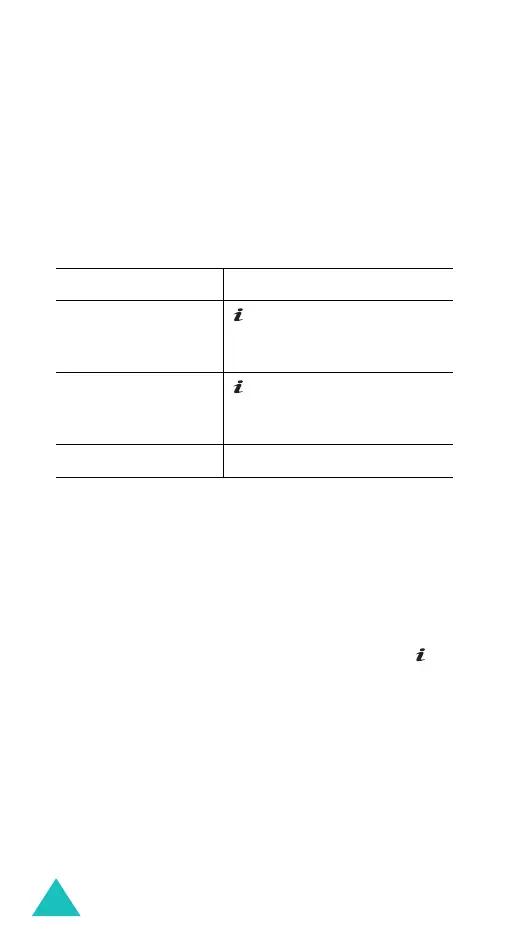
To Press the
set the current
page as your
startup home page
key or
Options
soft key
or and select the
Save
to
home
option.
set a bookmark for
the current page
key or
Option
soft key
and select the
Save
to
bookmark
option.
cancel your setting
C
key or
Back
soft key.



 To Next Page