Your phone
14
Icons
Icon Description
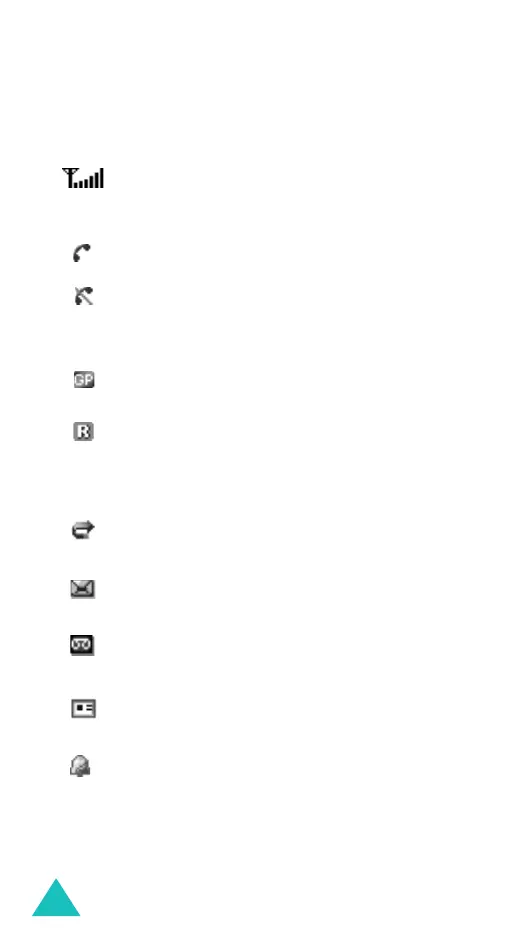
Shows the received signal strength. The
greater the number of bars, the stronger
the signal.
Appears when a call is in progress.
Appears when you are out of your service
area. When it displays, you cannot make or
receive a call.
Appears when you are connected to the
GPRS network.
Appears when you are out of your home
area and have logged onto a different
network; for example, when travelling in
other countries.
Appears when the Call diverting feature is
activated.
Appears when a new text message has
been received.
Appears when a new voice mail message
has been received.
Appears when a new multimedia message
has been received.
Appears when you set an alarm to ring at a
specified time.



 To Next Page