Your phone
13
Display
Display Layout
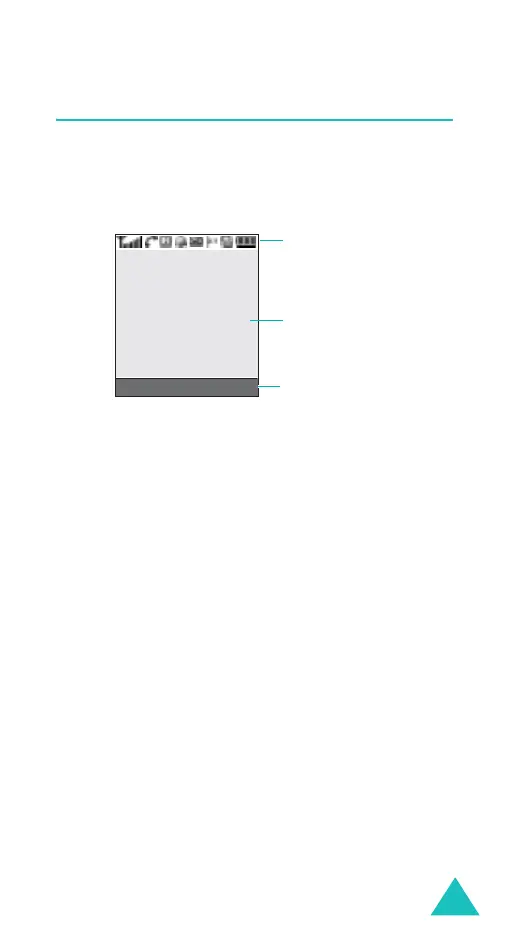
The display has three areas:
Area Description
First line Displays various icons. See
page 14.
Middle lines Displays messages, instructions,
and any information that you
enter, such as the number you are
dialling.
Last line Shows the current functions
assigned to the two soft keys.
Icons
Text and
graphics area
Soft key function
indicators
Menu Phonebook



 To Next Page