Entering text
51
• To insert a space, press the key.
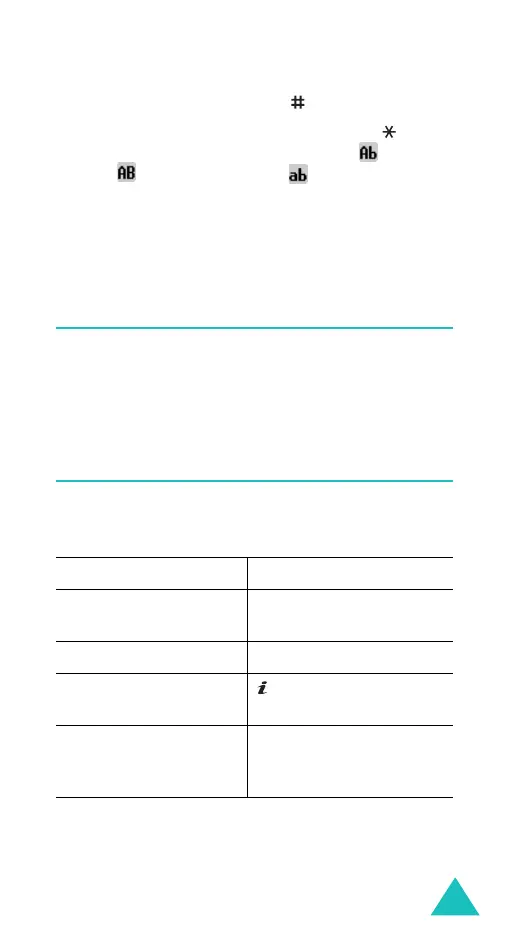
• To shift case in Alphabet mode, use the key.
There are three cases; Initial capital ( ), Capital
lock ( ), and Lower case ( ).
• You can move the cursor by using the Left and
Right keys. To delete letters, press the
C
key.
Press and hold the
C
key to clear the display.
Using Number mode
Number mode enables you to enter numbers into a
text message. Press the keys corresponding to the
digits you want to enter.
Using Symbol mode
Symbol mode enables you to insert symbols into a
text message.
To Press the
select a symbol corresponding numeric
key.
display more symbols Up or Down key.
insert the symbol(s)
into your message
key or
OK
soft key.
clear the symbol(s)
C
key. When the input
field is empty, this key
exits Symbol mode.



 To Next Page