Camera
140
4. Press the key or Camera key to take the
photo.
5. Press the key or
Save
soft key.
To discard the photo, press the
Cancel
soft key.
Taking a photo with the phone closed
1. When the phone is closed, press and hold the
Camera ( ) key on the right side of the phone.
The image to be captured appears on the
external display.
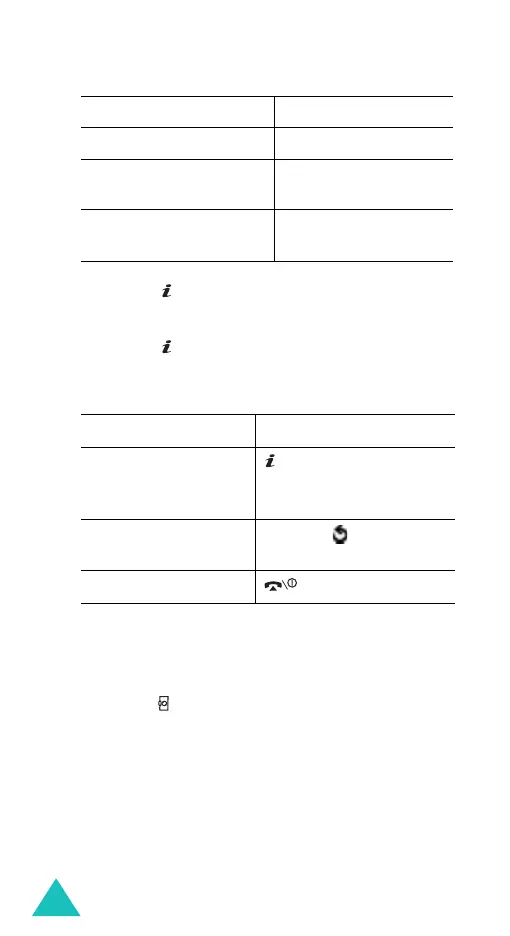
use a decorated frame
7
key.
have a time delay
before taking a photo
8
key.
access the
My photos
menu (
Menu 8.2
)
9
key. For details, see
page 143.
6.
T
oPress the
use the photo options key or
Options
soft
key. For details, see
page 143.
return to Capture
mode
C
key or soft key.
return to Idle mode key.
3.
T
oPress the



 To Next Page