Settings
135
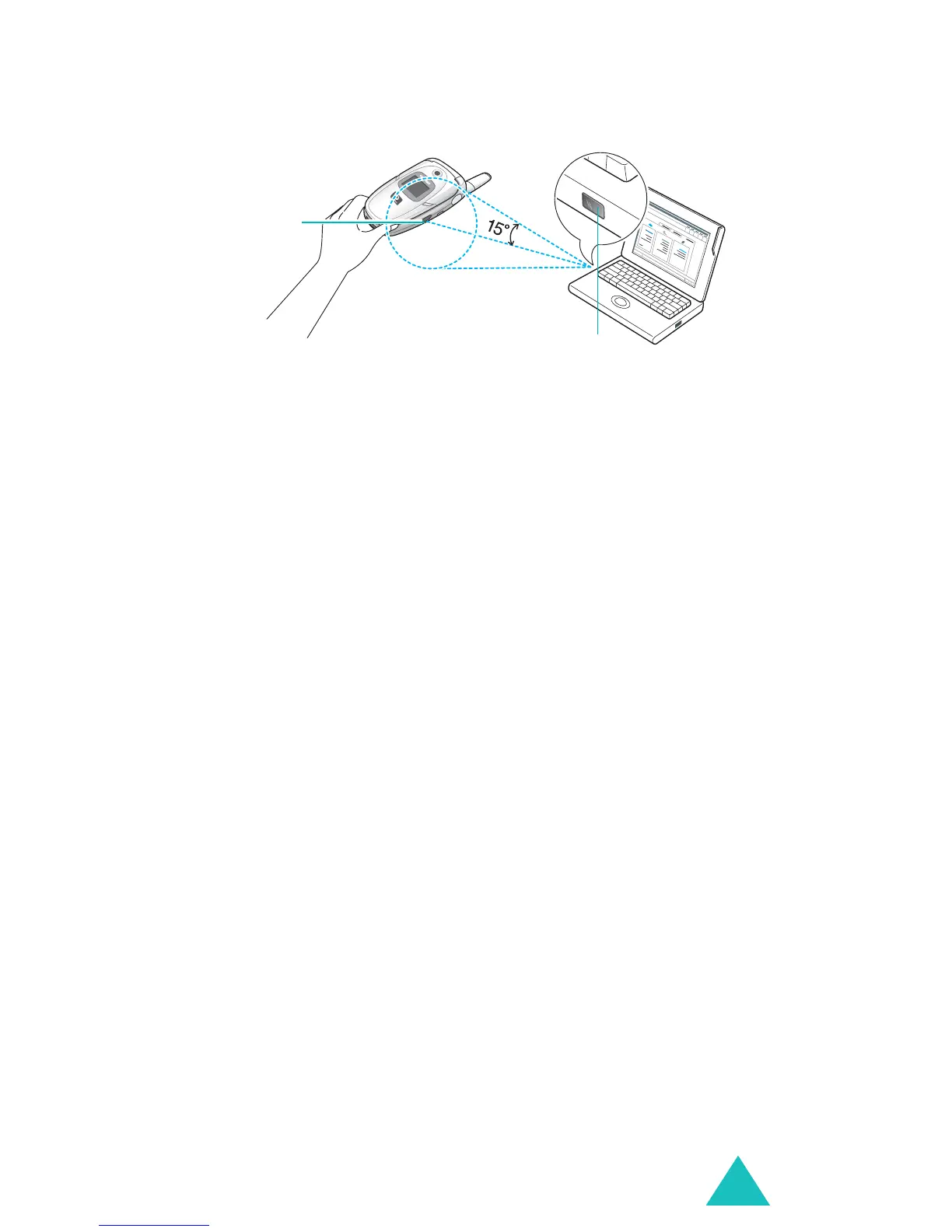
The connection is ready for data transmission.
If there is no communication between your phone
and the IrDA-compliant device within 30 seconds of
activating the feature, it is automatically
deactivated.
Note
: For optional performance, use an optional PC
data cable. You can purchase one from your
local Samsung dealer.
Greeting message
This menu allows you to set a greeting to be
displayed briefly when the phone is switched on.
For further details about how to enter characters,
see page 34.
Language
You can select a display language. When the
language option is set to
Automatic
, the language
is automatically selected according to the language
of the SIM card used.
Note
: Depending on your country, service provider, or
the software version of the phone, the
Automatic
option may not display.
IrDA port
IrDA port



 To Next Page