Call Functions
30
2. Press the
Select
soft key or the Centre key.
3. Change the number.
Deleting a Missed Call
1. Press the
Options
soft key.
2. If necessary, press the Up or Down key to
highlight the
Delete
option.
3. Press the
Select
soft key or the Centre key.
You can press the key at any time to exit the
Missed call feature.
Note
: You can access the Missed call feature at any
time by selecting the
Missed
calls
menu. For
further details, see page 127.
4.
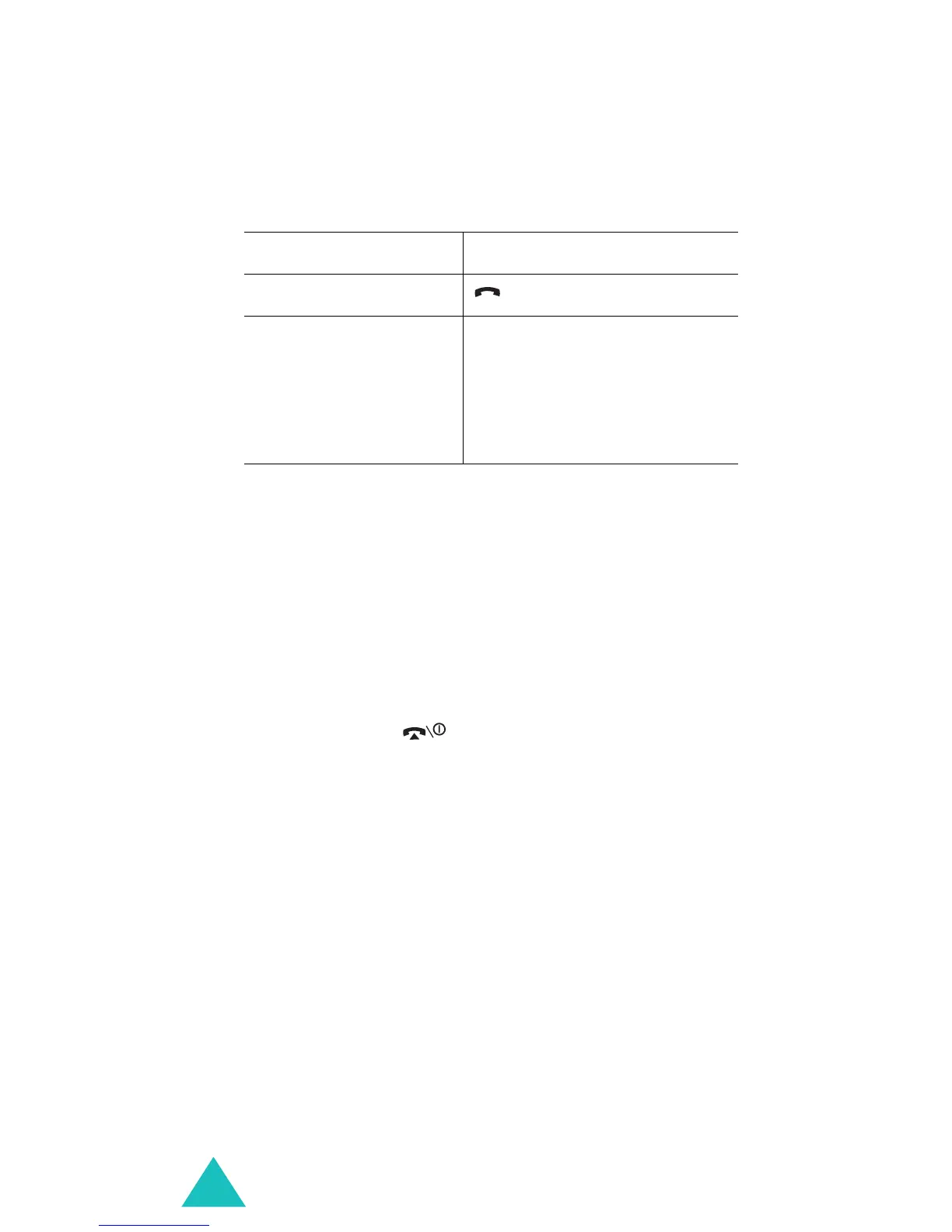
To Press the
call the number key.
store the number
Save
soft key or the
Centre key, and enter a
name and a location
number. For further
details, see page 24.



 To Next Page