Call Functions
27
Adjusting the Volume
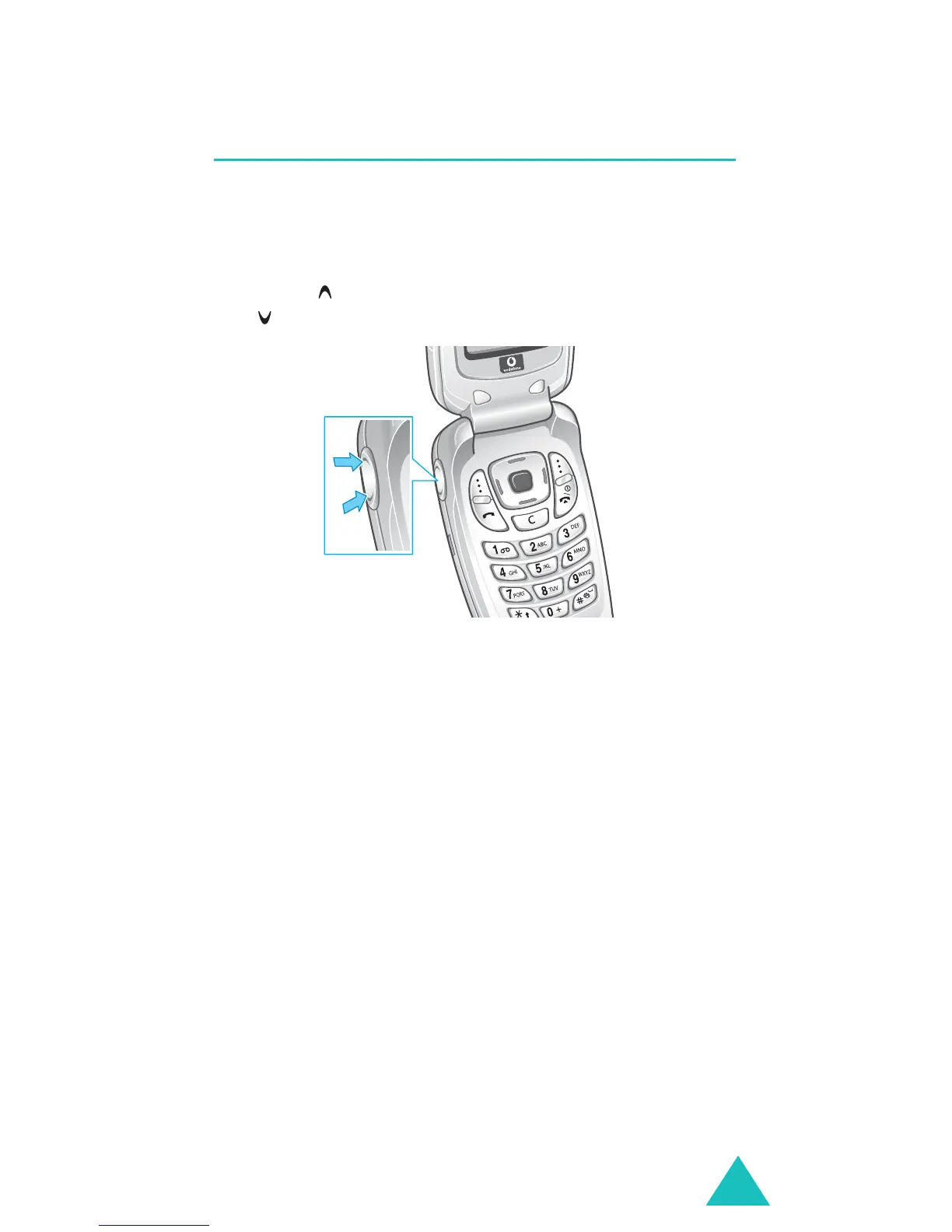
During a call, if you want to adjust the earpiece
volume, use the Volume keys on the left side of the
phone.
Press the key to increase the volume level and
the key to decrease the level.
In Idle mode, you can also adjust the keypad tone
volume using these keys.



 To Next Page