32
Selecting Functions
and Options
Your phone offers a set of functions that allow you
to customise it. These functions are arranged in
menus and sub-menus, accessed using the two soft
keys, and . Each menu and sub-menu allows
you to view and alter the settings of a particular
function.
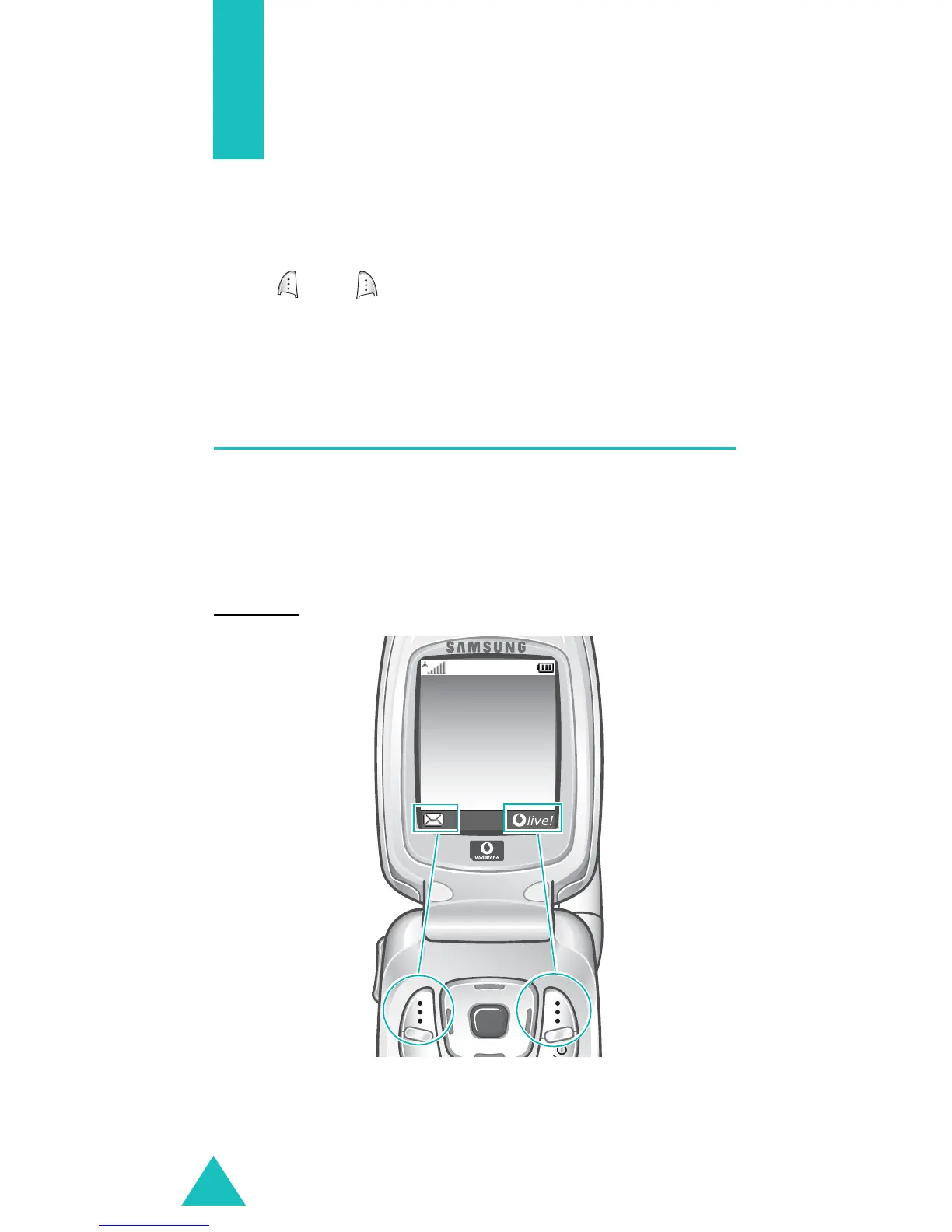
Using the Soft Keys
The roles of the soft keys vary, depending on the
function you are currently using; the labels on the
bottom line of the display just above each key
indicate their current role.
Example
:
Service provider
07:30
Tue 09 Mar
Press the left soft
key to access the
Messages
menu.
Press the right soft key
to launch the WAP
(Wireless Application
Protocol) browser.



 To Next Page