Section 2: Understanding Your Phone 15
Keys
Section 2
Keys
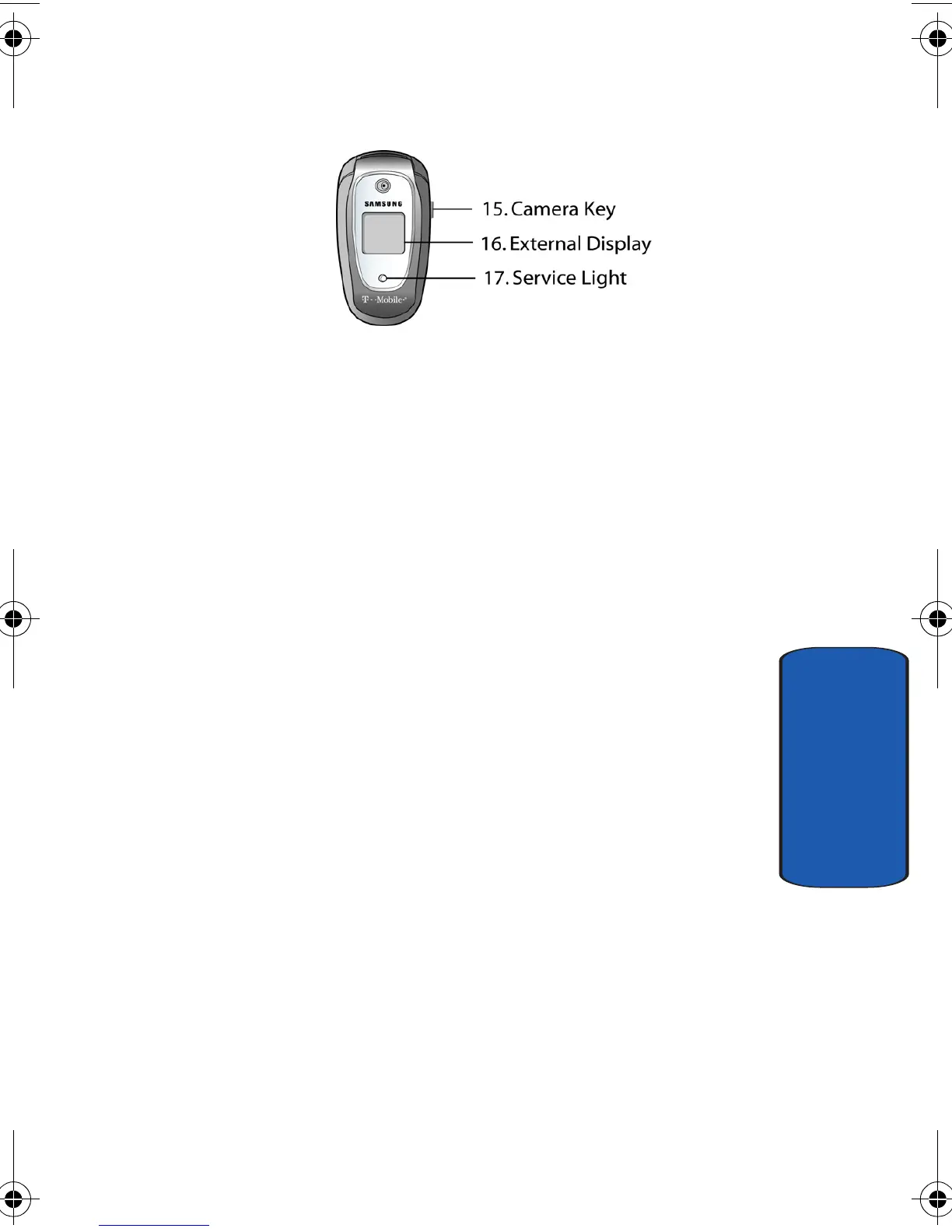
The following list correlates to the illustrations.
1.
The headset jack is used for the hands-free headset.
2.
Performs the functions indicated by the screen text on
the bottom line of the display.
3. During a call, adjusts the earpiece volume.
In Idle mode with the phone open, adjusts the keypad
tone volume. With the phone closed, turns on the
external display when held down.
4. Makes or answers a call.
In Idle mode, recalls the last number dialed or received
when held down.
In Menu mode, selects a menu function or stores
information that you have entered, such as a name in the
phone or SIM memory.
5. In Idle mode, when held down accesses voice mail.
6. Enters special characters. Performs various functions.
7. The microphone used during phone calls and voice
memo recordings.
e335.book Page 15 Tuesday, April 26, 2005 9:12 AM



 To Next Page