Section 5: Entering Text 53
Using T9 Mode
Section 5
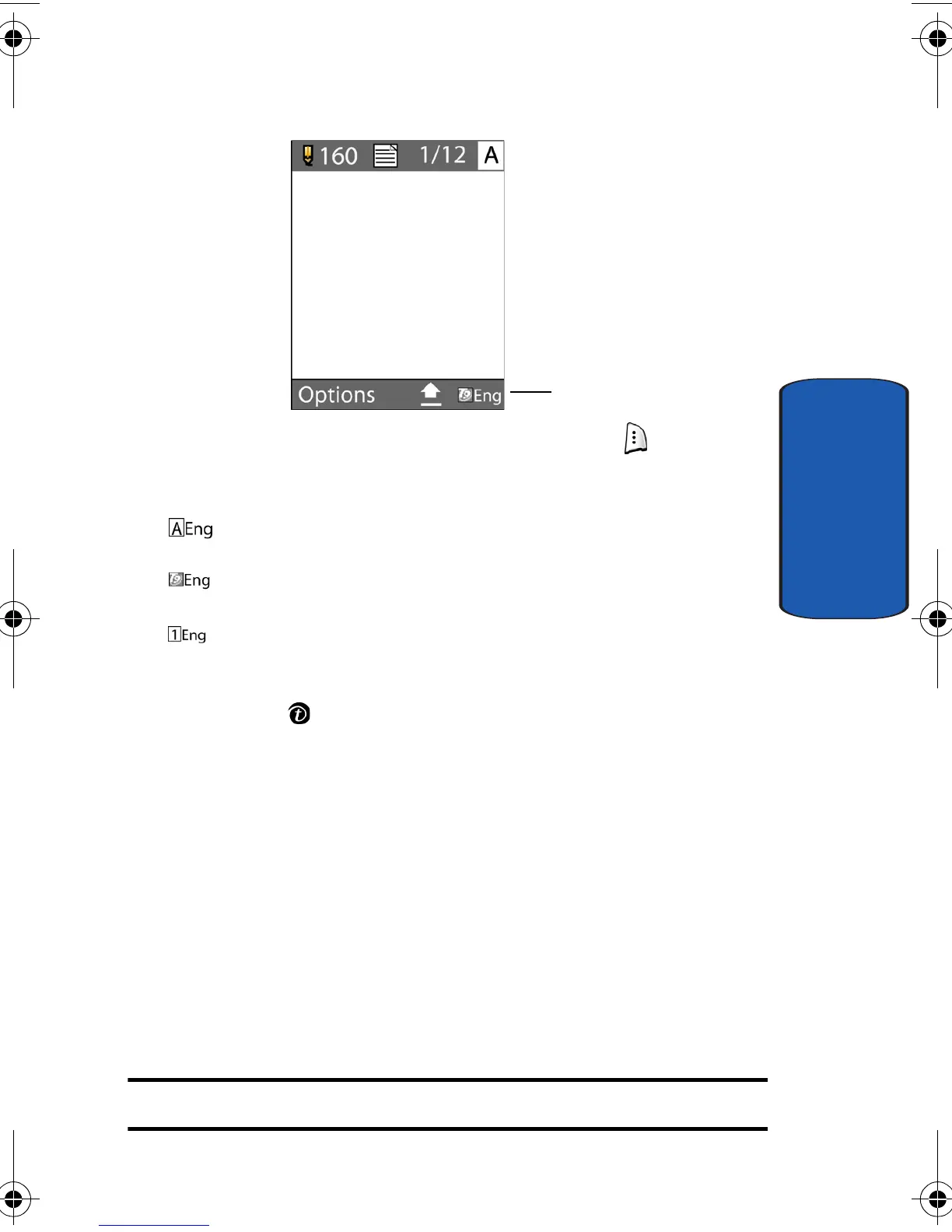
1. To change the text input mode, press the key.
2. Choose from the following options:
: ABC mode
: T9 mode
: Number mode
3. Highlight the input option, and press the Select soft key
or the key.
Using T9 Mode
T9 is a predictive text input mode that allows you to key
in any character using single keystrokes. This text input
mode is based on a built-in dictionary.
To enter a word in T9 mode:
1. When you are in T9 mode, start entering a word by
pressing the 2 to 9 keys. Press each key only once for
each letter.
Example: To enter “Hello” in T9 mode, press the 4,3,5,5, and 6 keys.
Text input mode
indicator
e335.book Page 53 Tuesday, April 26, 2005 9:12 AM



 To Next Page