24
Section 3
most frequently-used numbers to number keys using the
Speed Dial feature.
For further details about the Phonebook feature, see
"Dialing a Number from Phonebook" on page 63.
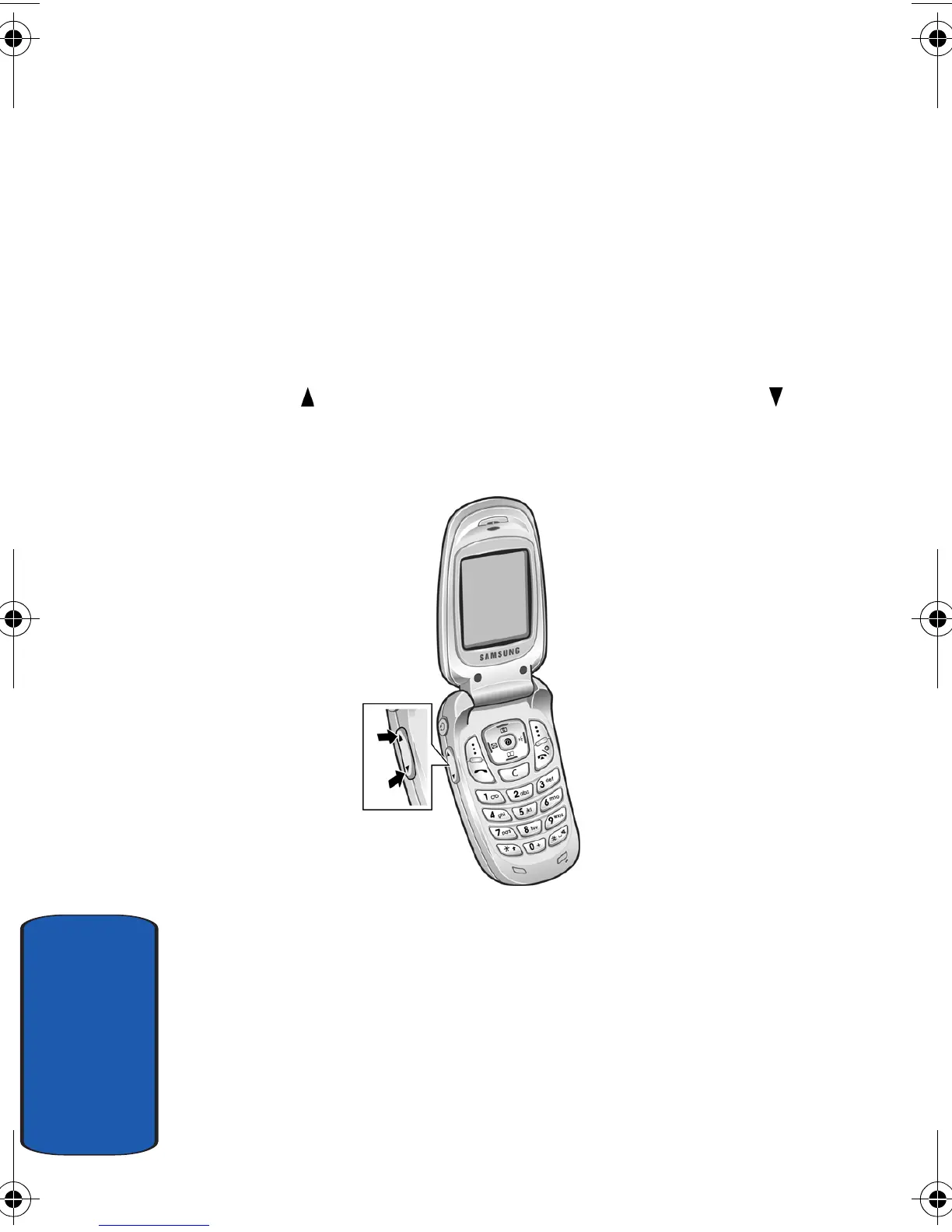
Adjusting the Call Volume
During a call, if you want to adjust the earpiece volume,
use the Volume keys on the left side of the phone.
Press the key to increase the volume level and the key
to decrease the level.
In Idle mode, you can also adjust the keypad tone volume
using these keys.
Answering a Call
When somebody calls you, the phone rings and displays
the incoming call image.
e335.book Page 24 Tuesday, April 26, 2005 9:12 AM



 To Next Page