Section 5: Entering Text 55
Using ABC mode
Section 5
Note: This feature may not be available for some languages.
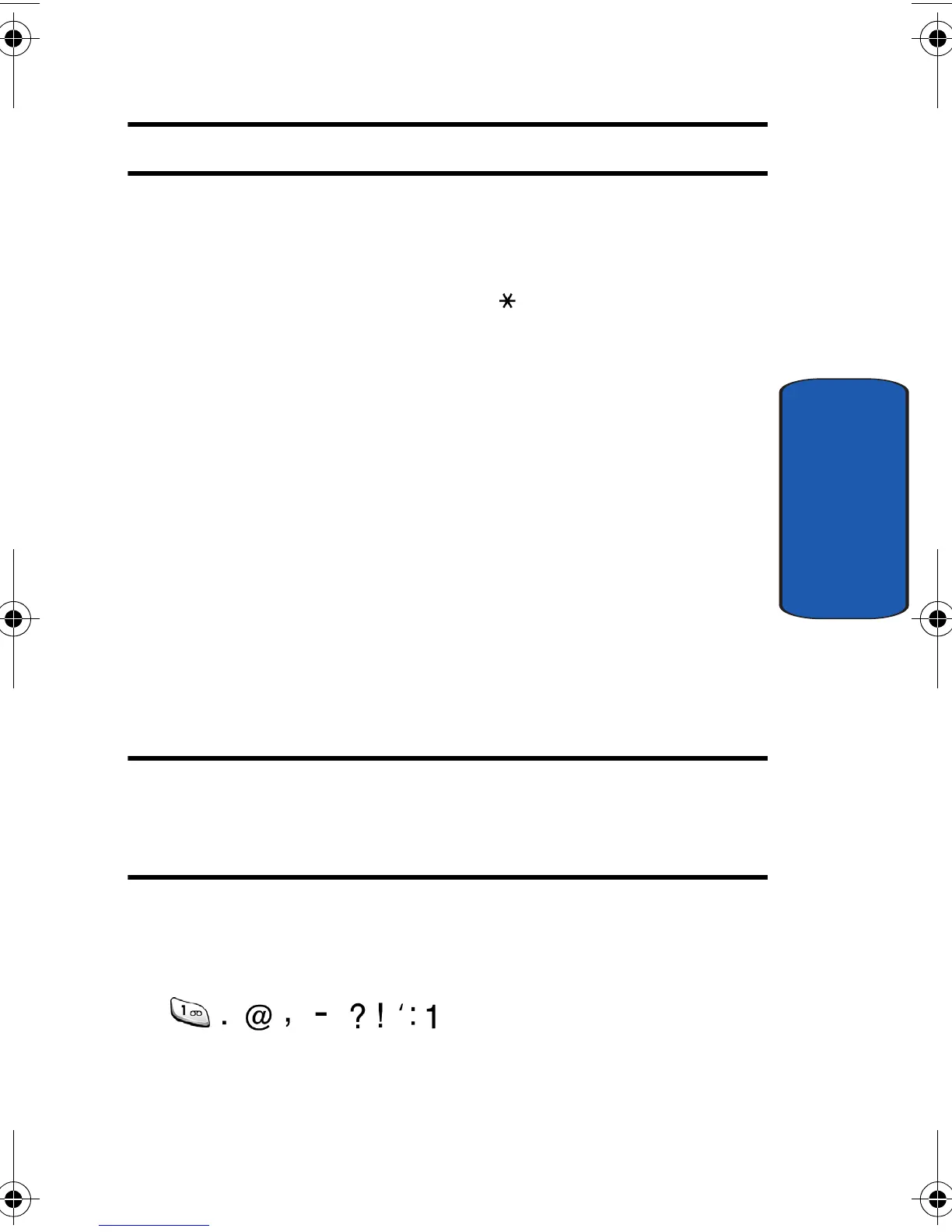
• To enter periods, hyphens, or apostrophes, press the 1 key. T9
mode applies grammar rules to ensure that correct punctuation
is used.
• To shift case in T9 mode, use the key. There are 3 cases:
Initial capital, Capital lock, and Lower case.
• You can move the cursor by using the Navigation keys. To
delete letters, press the C key. Press and hold the C key to
clear the display.
Using ABC mode
To use ABC mode, use the 1 to 0 keys to enter your text.
1. Press the key labeled with the letter you want:
• - Once for the first letter
• - Twice for the second letter
• - And so on
2. Select the other letters in the same way.
Note: The cursor moves to the right when you press a different key. When
entering the same letter twice or a different letter on the same key, just
wait for a few seconds for the cursor to move to the right automatically,
and then select the next letter.
Keys
e335.book Page 55 Tuesday, April 26, 2005 9:12 AM



 To Next Page