28
Section 3
Your phone offers a set of functions that allow you to
customize it. These functions are arranged in menus and
sub-menus, accessed using the two soft keys. Each menu
and sub-menu allows you to view and alter the settings of
a particular function.
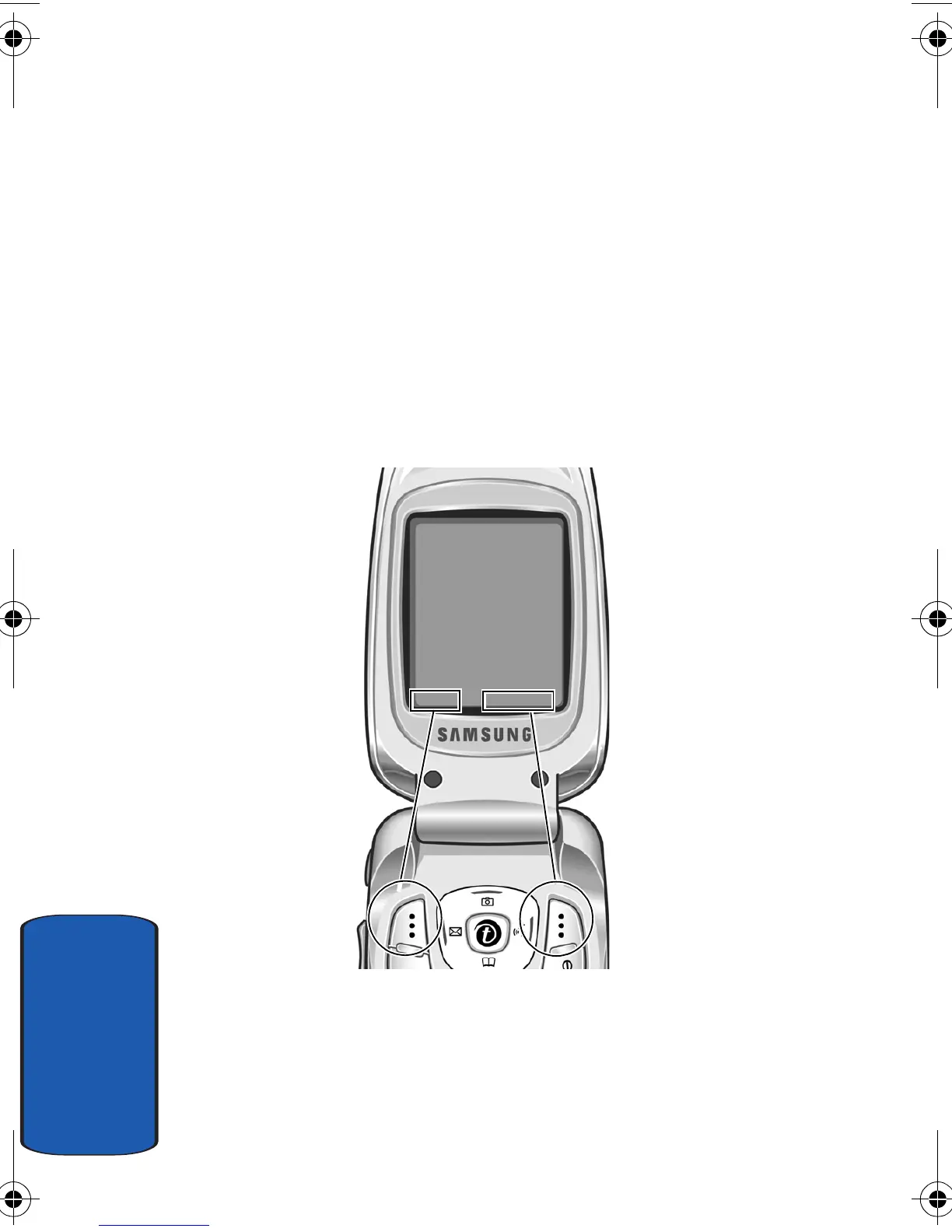
Soft Keys
The roles of the soft keys vary depending on the function
you are currently using; the labels on the bottom line of the
display just above each key indicate their current role.
Menu Ph.Book
Press the left soft key
for
Menu
mode.
Press the right soft key
to access the
Ph.Book
menu.
e335.book Page 28 Tuesday, April 26, 2005 9:12 AM



 To Next Page