8
Get started
Low battery indicator
When the battery is low:
• a warning tone sounds,
• the battery low message displays, and
• the empty battery icon blinks.
If the battery level becomes too low, the phone
automatically turns off. Recharge your battery.
Power on or off
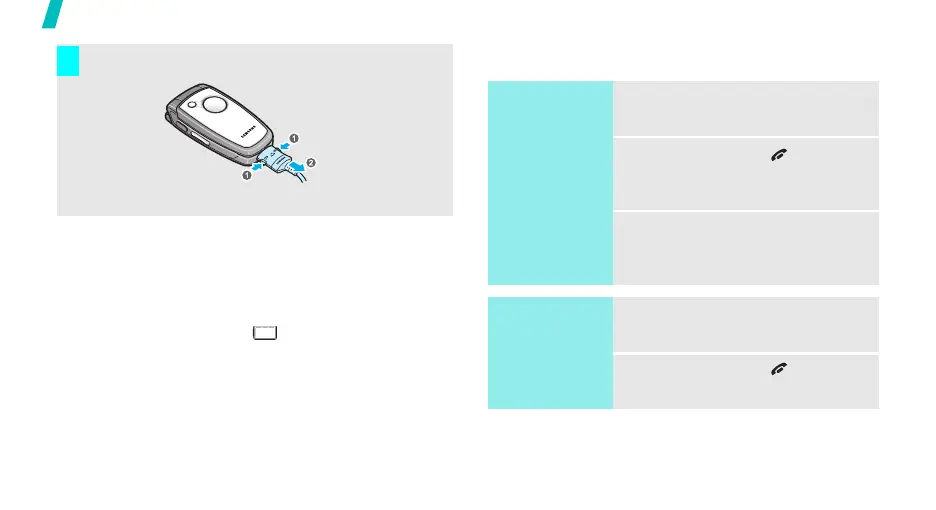
Remove the adapter from the phone.
7
Switch on
Do not turn on
the phone when
mobile phone
use is prohibited.
1. Open the phone.
2. Press and hold [ ] to turn on
the phone.
3. If necessary, enter the PIN and
press <
OK
>.
Switch off
1. Open the phone.
2. Press and hold [ ].



 To Next Page