15
Step outside the phone
Begin with your camera, music, and other special features
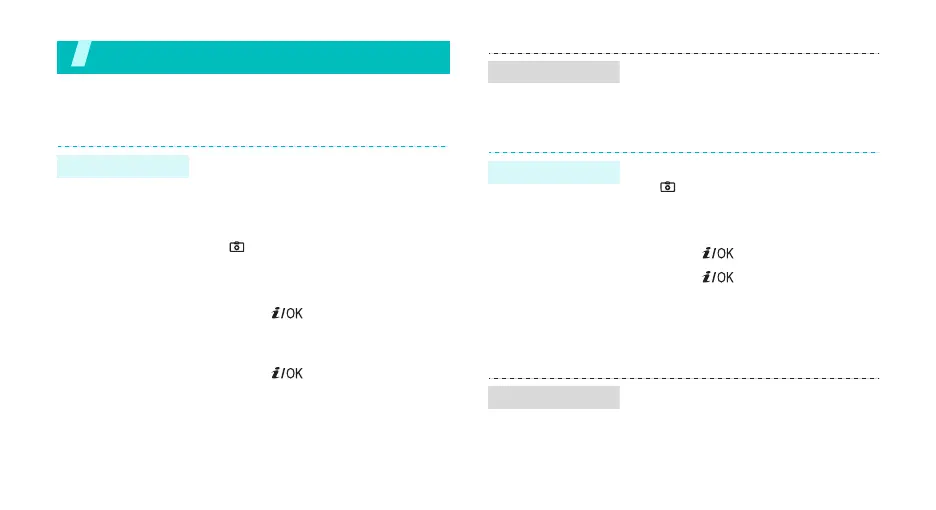
Use camera
1. Open the phone.
2. If necessary, remove the
camera cover.
3. In Idle mode, press and hold
[ ] to turn on the camera.
4. Aim the lens at the subject and
adjust the image.
5. Press [ ] to take a photo.
The photo is saved
automatically.
6. Press [ ] to return to
Capture mode.
Take a photo
1. In Idle mode, <
Menu
> and
select
File manager
→
Images
→
Photos
.
2. Select
the photo you want
.
1. In Idle mode, press and hold
[ ] to turn on the camera.
2. Press [
1
] to switch to Record
mode.
3. Press [ ] to start recording.
4. Press [ ] to stop recording.
The video is saved
automatically.
5. Press the right soft key to
return to Record mode.
1. In Idle mode, <
Menu
> and
select
File manager
→
Videos
→
Video clips
.
2. Select the video clip you want.
View a photo
Record a video
Play a video



 To Next Page