52
Menu functions
8. When you have finished, press <
Options
> and
select
Send
.
9. Enter an e-mail address.
To send the e-mail to more than one recipient,
press [Down] and fill in additional destination
fields.
10. Press [ ] to send the e-mail.
My messages
(Menu 5.2)
Use this menu to store all of the messages you have
received, sent, failed to send, or saved to send it later.
Inbox
(Menu 5.2.1)
This folder stores all types of the messages you have
received, except for e-mails. MMS, SMS, voicemail,
WAP push message from the WAP server, configuration
messages and cell broadcast messages are stored
here.
Configuration messages, which are send from your
service provider, contain network parameters to let
you easily apply network settings to your phone.
Viewing a message at the time of its receipt
When a message has been received, the phone alerts
you by:
• Displaying a message icon with text notification
• Sounding a tone or vibrating, depending on the
message alert setting
To read a message immediately, press <
View
> and
select a message from the Inbox.
For an MMS notification, press <
Options
> and select
Retrieve
. The message is downloaded from the MMS
server to the phone’s memory.
Viewing a message in the Inbox
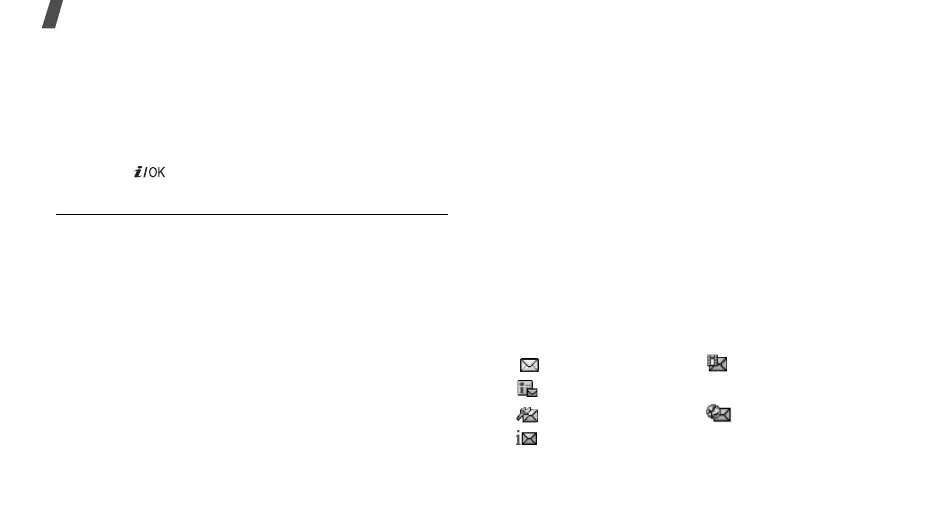
The following icons may appear on the message list;
depending on the message type or status, icons may
vary:
• SMS • MMS
• MMS notification • ??? Voicemail
• Configuration • WAP push
• Delivery report



 To Next Page