38
Menu functions
•
Add all
: add all of the files in the phone’s
memory to the play list.
•
Add a file
: add a file to the play list.
3. If you selected
Add a file
, scroll to a file and press
<
Add
>.
4. Press <
Back
> to go back to the MP3 player
screen.
Playing music files
From the MP3 player screen, press [ ].
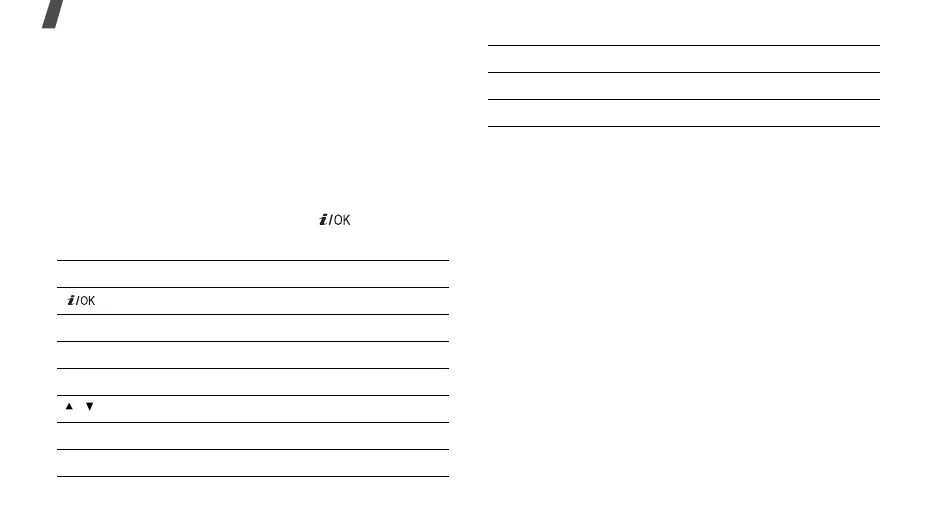
During playback, use the following keys:
Using the movement recognition feature
Your phone is a motion sensitive phone. This means
that you can move the phone to perform the following
tasks, instead of keying in commands.
• Move the phone to the left to skip to the previous
file.
• Move the phone to the right to go back to the next
file.
• Move the phone down to pause or resume
playback.
• Move the phone as you would when writing “X” to
stop playback.
Using player options
From the MP3 player screen, press <
Options
> to
access the following options:
•
Play via
: select how to listen to music.
Keys Function
Pauses or resumes playback.
Left Goes to the previous file.
Right Skips to the next file.
Up Opens the play list.
/ Adjusts the volume level.
2
Changes an equalizer type.
3
Changes the repeat mode.
6
Switch to Shuffle mode.
Down Stops playback.
Keys Function



 To Next Page