2A. Device Basics 31
Device Basics
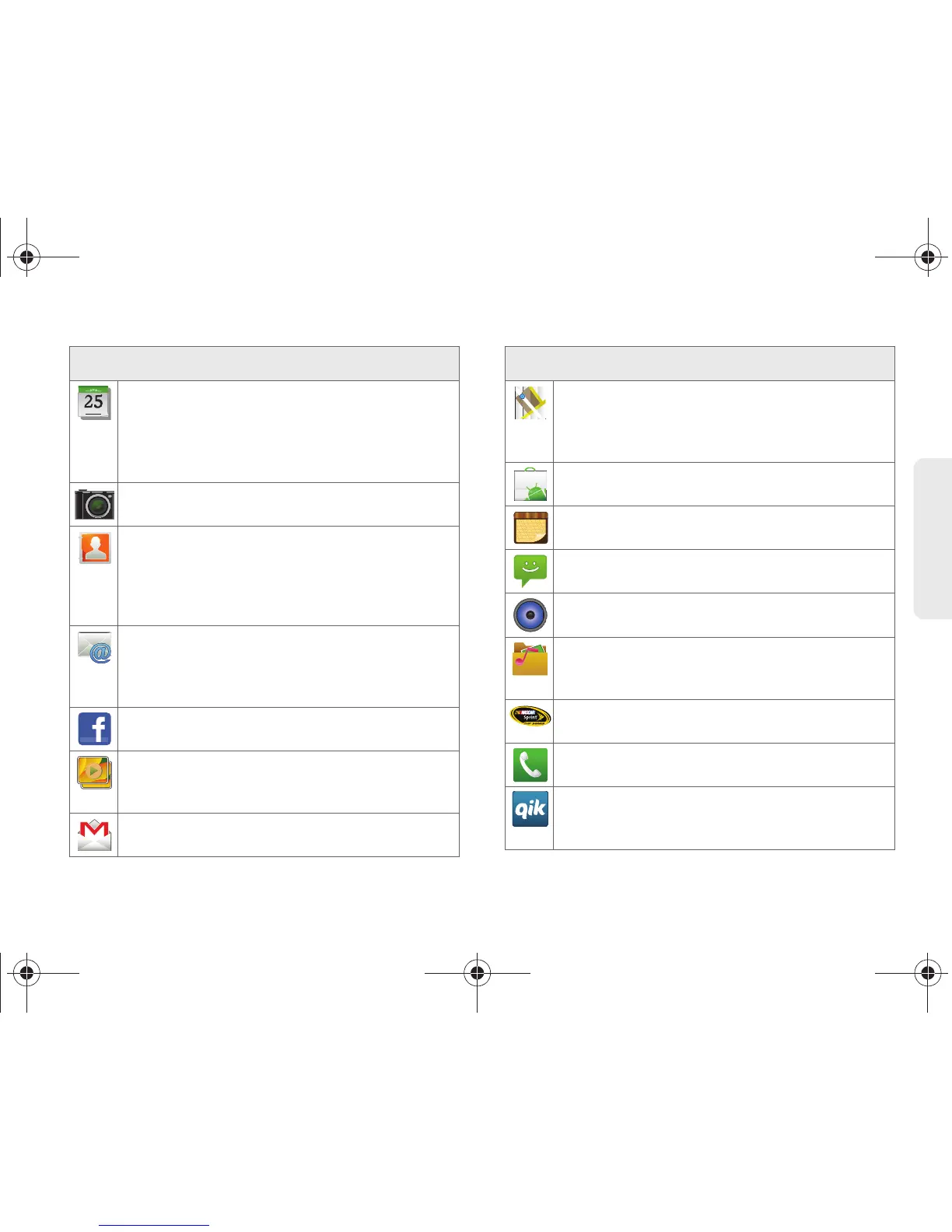
Calendar – Launches the Calendar application
that syncs itself to either your Google or
Outlook
®
Work calendar (page 106). Events can
only be synced to a managed account
(page 73).
Camera – Launches the built-in camera
(page 132).
Contacts – Displays the Contacts tab listing
current contacts, synced from either your
Google or Outlook account (page 92). Contacts
can only be synced to a managed account
(page 73).
Email – Provides access to both your Outlook
(Exchange Server-based) work email and
Internet email accounts (such as Google, Yahoo,
etc.) (page 182).
Facebook – Launches the Facebook Web page
via the browser (page 170).
Gallery – Displays a Gallery of camera images
and video stored in the microSD card
(page 136).
Gmail – Provides access to your Gmail account
(page 183).
Application Icons
Maps – Launches a Web-based dynamic map
that helps you find local businesses, locate
friends, view maps and get driving directions
(page 211).
Market – Browse and search for applications on
Android Market (page 196).
Memo – Creates new text memos (page 113).
Messaging – Provides access to your text
messaging application (SMS) (page 156).
Music – Launches the built-in Music Player
(page 206).
My files – Launches a file browser that allows
you to view only supported image files and text
files (page 112).
NASCAR – Launches the Web-based NASCAR
Sprint Cup Mobile application (page 197).
Phone – Accesses the phone keypad (page 56).
Qik – Allows you to record and share live video
from your device with your friends, family and
your favorite social networks (page 200).
Application Icons
SPH-D700.book Page 31 Friday, August 6, 2010 3:57 PM









 To Next Page