English-6
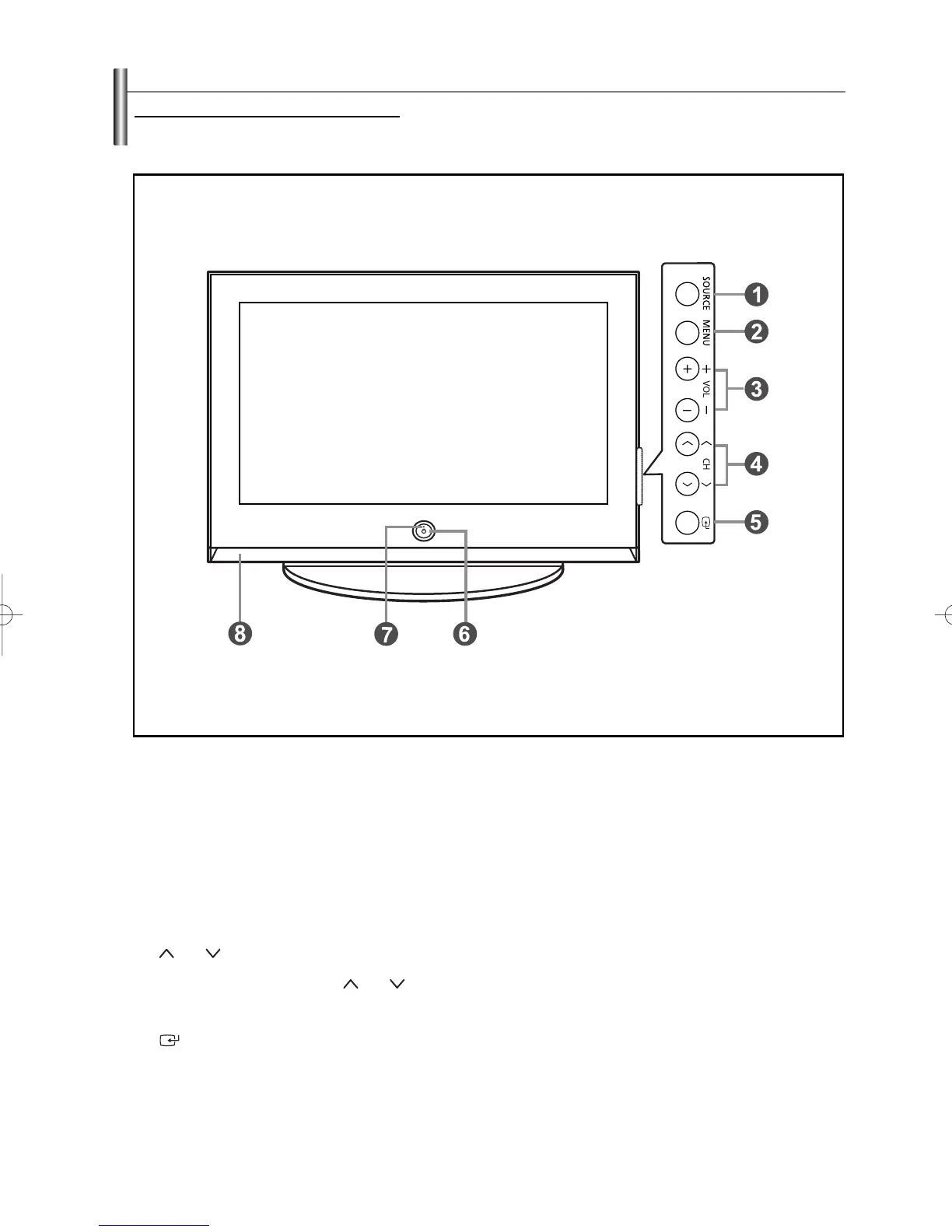
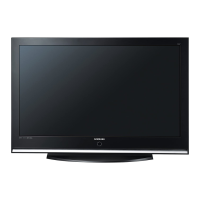
Viewing the Control Panel
Œ
SOURCE
Toggles between all the available input sources
(TV, AV1, AV2, S-Video1, S-Video2, Component1,
Component2, PC, HDMI1, HDMI2).
´
MENU
Press to see an on-screen menu of your TV’s features.
ˇ + VOL –
Press to increase or decrease the volume.
In the on-screen menu, use the
+ VOL –
buttons as
you would use the
œœ
and
√√
buttons on the remote
control.
¨ CH
Press to change channels.
In the on-screen menu, use the
CH
buttons as
you would use the
……
and
††
buttons on the remote
control.
ˆ
(ENTER)
Press to confirm a selection.
Ø
POWER
Press to turn the TV on and off.
Power Indicator
Blinks and turns off when the power is on and lights up
in stand-by mode.
∏
Remote Control Sensor
Aim the remote control towards this spot on the TV.
”
Speakers
Buttons on the Lower-Right Par
t of the Panel
The buttons on the lower-right panel control your TV’s basic features, including the on-screen menu.
To use the more advanced features, you must use the remote control. The product color and shape may vary depending on the model.
BN68-00991D-02Eng_0317 3/17/06 9:56 AM Page 6



 To Next Page