Installation
1
8
8
1
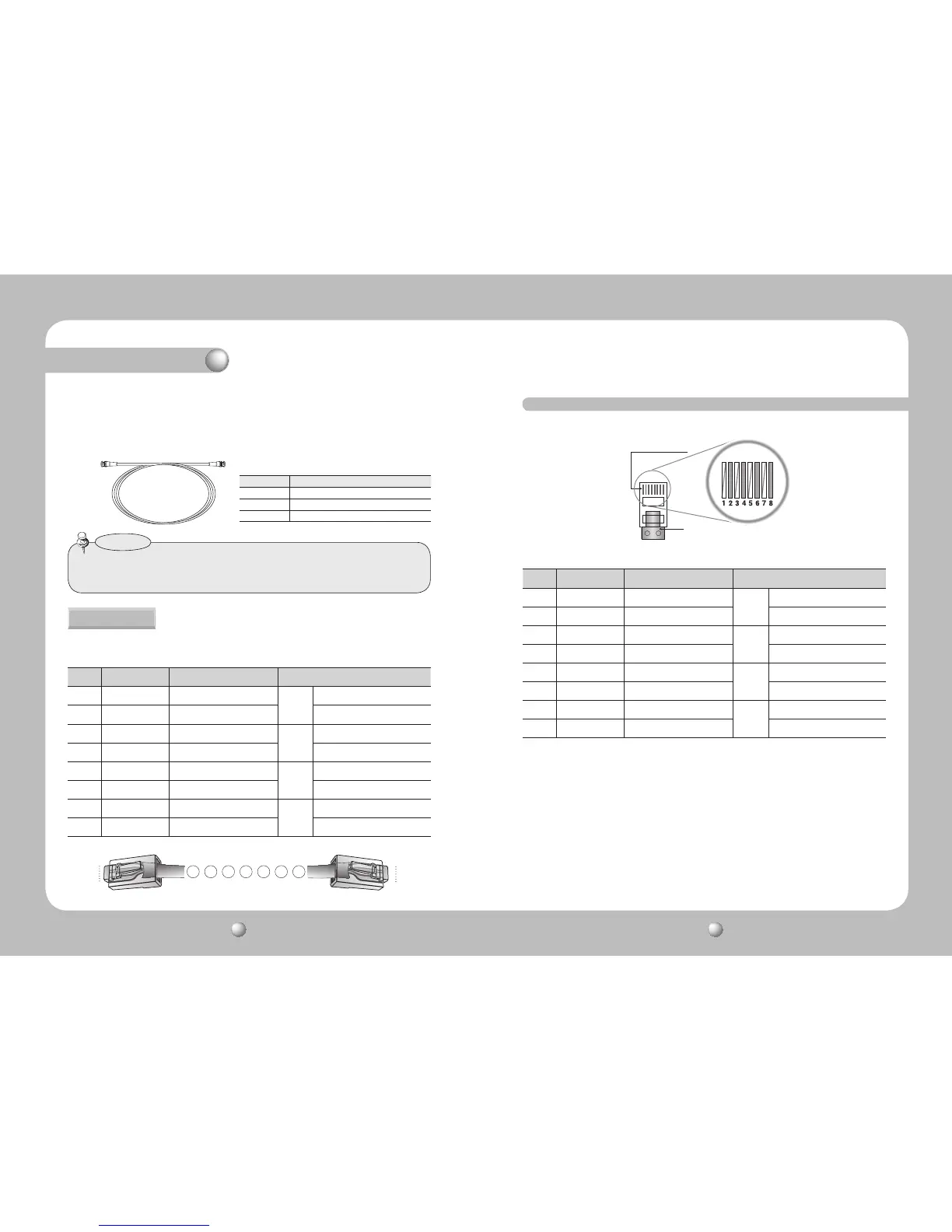
No. Line Color Camera to Power Supply Power Supply to Receiver
1 White+Orange VIDEO (+)
CH1
VIDEO (+) / RS-485 (+)
2 Orange VIDEO (-) VIDEO (-) / RS-485 (-)
3 White+Green RS485 (+)
CH2
VIDEO (+) / RS-485 (+)
4 Blue POWER (-) VIDEO (-) / RS-485 (-)
5 White+Blue POWER (+)
CH3
VIDEO (+) / RS-485 (+)
6 Green RS485 (-) VIDEO (-) / RS-485 (-)
7 White+Brown POWER (+)
CH4
VIDEO (+) / RS-485 (+)
8 Brown POWER (-) VIDEO (-) / RS-485 (-)
No. Line Color Camera to Power Supply Power Supply to Receiver
1 White+Orange VIDEO (+)
CH1
VIDEO (+) / RS-485 (+)
2 Orange VIDEO (-) VIDEO (-) / RS-485 (-)
3 White+Green RS485 (+)
CH2
VIDEO (+) / RS-485 (+)
4 Blue POWER (-) VIDEO (-) / RS-485 (-)
5 White+Blue POWER (+)
CH3
VIDEO (+) / RS-485 (+)
6 Green RS485 (-) VIDEO (-) / RS-485 (-)
7 White+Brown POWER (+)
CH4
VIDEO (+) / RS-485 (+)
8 Brown POWER (-) VIDEO (-) / RS-485 (-)
Copper Connector
UTP Coating
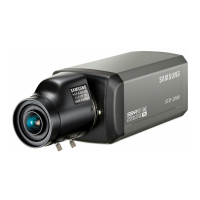
The SUB-2000 uses UTP cable to receive its power (AC 24V or AC28V) from the Power Supply.
Therefore, a separate adapter is not required. Please refer to the RJ-45 Connector Schematic
Diagram.
UTP CABLE
The camera uses UTP cable for transmitting video signals, power and transferring RS-485
control data.(TIA/EIA-568B)
RJ-45 Connector Schematic Diagram
Distance Recommended Cable Specification
300m 3C2V(RG-59/U)
450m 5C2V(RG-6/U)
600m 7C2V(RG-11/U)
• Video Cable
The camera's video output port is connected to the monitor with a BNC coaxial
cable, shown below : If the distance between the camera and the monitor exceeds
the recommended maximum, please use an auxiliary video amp.
•Itisrecommendedthatpurecoppercoaxcableisusedandnotcoppercoated
steel, as this will cause issues with the communication over the coaxial cable.
Notes


 To Next Page