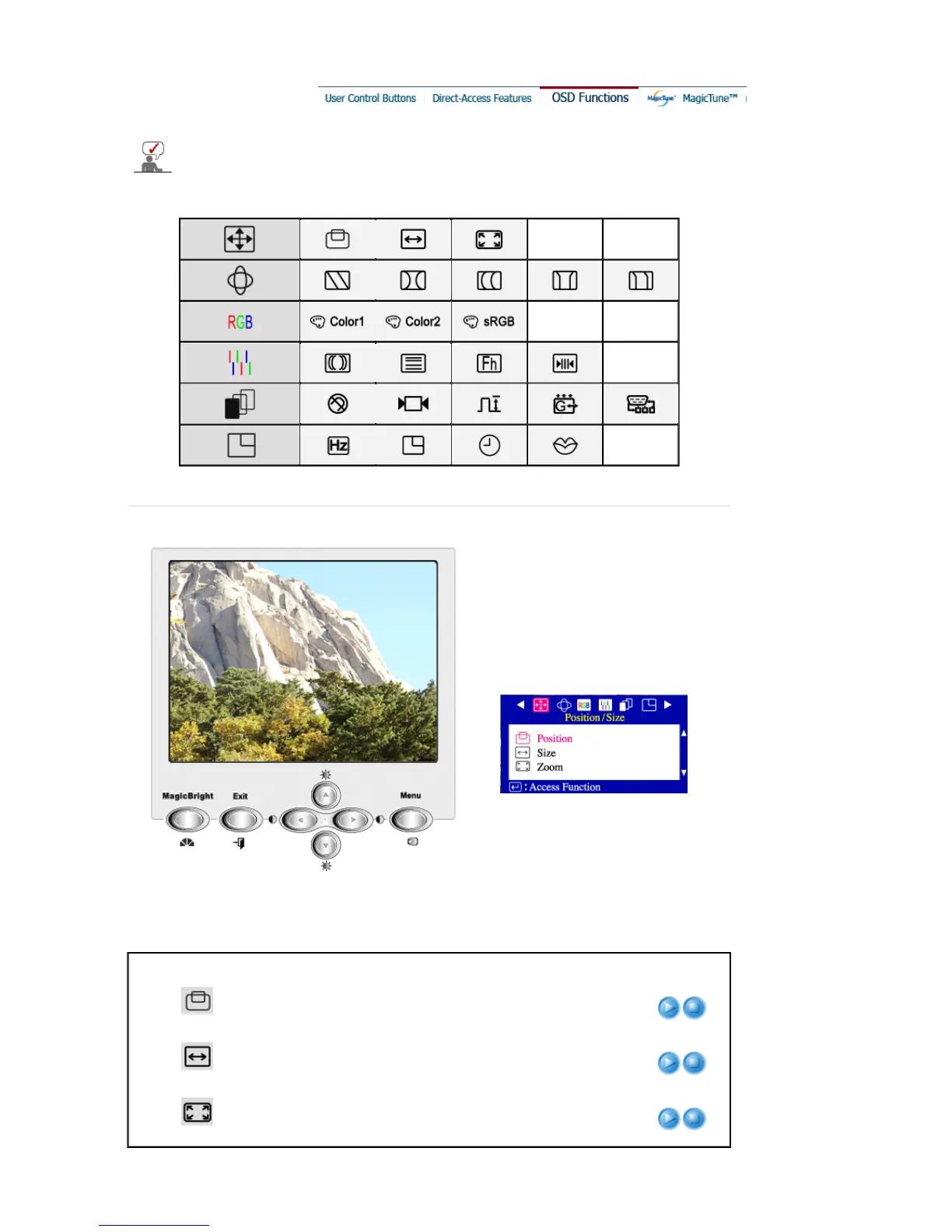
Select an icon that you want to know from the OSD menu to display a text or animation
explanation of that icon.
Menu Description Play/Stop
Position
Follow these instructions to change the position of the
monitor's entire display.
Size
Follow these instructions to change the size of the monitor's
entire display.
Zoom
Follow these instructions to get a close-up or a longshot view
of the monitor's viewing area.








 To Next Page