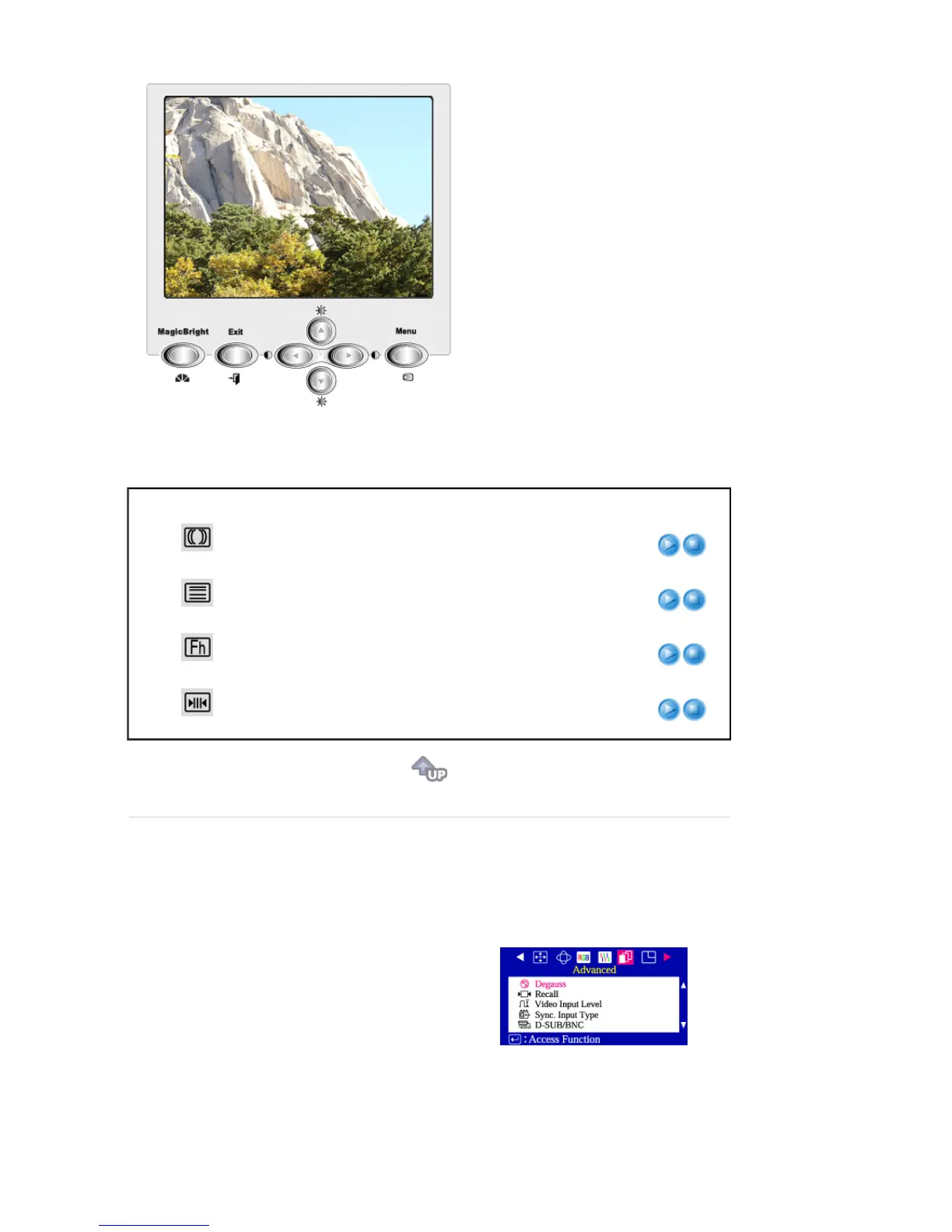
Menu Description Play/Stop
Clear Moire
A 'moiré' pattern can appear on your screen, looking like a
series of concentric circles or arcs.
To eliminate this pattern, use the clear moiré adjustments.
Linearity
Adjust the linearity setting when the display image is
compressed at the top or bottom.
Focus
Use the focus control when the image displayed on the
screen is not sharp in all areas.
Convergence
Convergence affects picture clarity. Adjust the horizontal or
vertical convergence to properly align the color dots that
make up the image.









 To Next Page