EasyManua.ls Logo

Samsung SyncMaster 220TN - Configuring Your Network

Samsung SyncMaster 220TN
94 pages
Print Icon
To Next Page IconTo Next Page
To Previous Page IconTo Previous Page
Loading...
What is SYNCON?
List of Features
-
A
thin client (computer) with an integrated LCD monitor which has the embedded VoIP(Voice
Over Internet Protocol) video call function.
-
A
webcam (web camera), microphone, and speaker integrated into one device
SYNCON function
- Office document and content sharing during a call
- PIP function
-
A
ddress book and call history management
- Instant Messaging
Confi
g
urin
g
Your Network
Confi
g
urin
g
a Static IP
Before using
SYNCON
, you have to configure your network
IP
address settings, in order to use
SYNCON
.
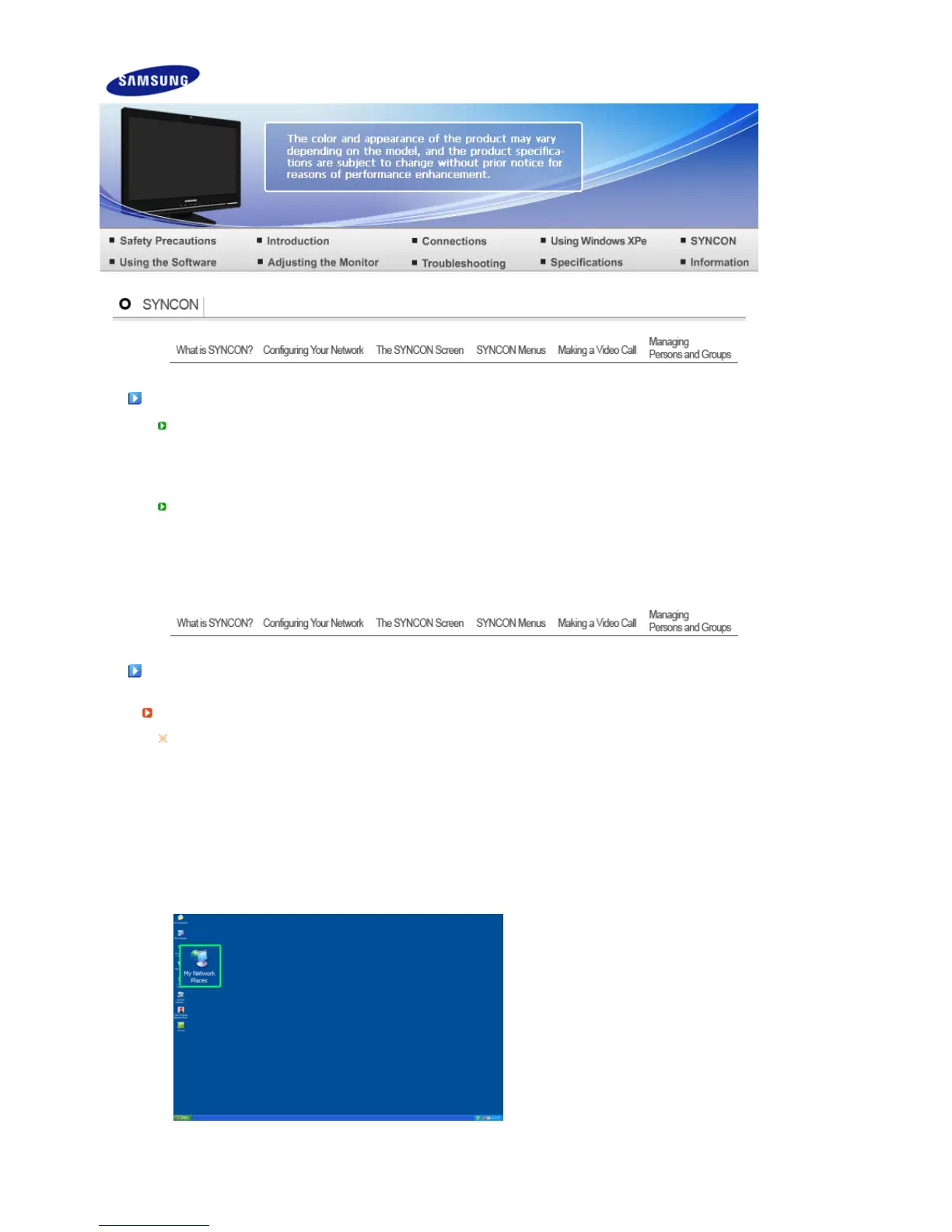
1. Select and right-click
My Network Places
on the
Windows Desktop
and then select
Properties
from the displayed menu.
2. Select and right-click
Local Area Connection
and then select
Properties
from the displayed menu.

Related product manuals