→ , → ENTER
Adjusts the PIP Screen Settings.
Note
Available Modes: PIP ON
1. Contrast
MENU → → ENTER → → → → → → → → → → ENTER →
→ ENTER→
→ , → ENTER
Adjusts the Contrast of the PIP window on the screen.
2. Brightness
MENU →
→ ENTER → → → → → → → → → → ENTER →
→ → ENTER→
→ , → ENTER
Adjusts the Brightness of the PIP window on the screen.
3. Sharpness
MENU →
→ ENTER → → → → → → → → → → ENTER →
→ → → ENTER→
→ , → ENTER
Adjusts the Sharpness of the PIP window on the screen.
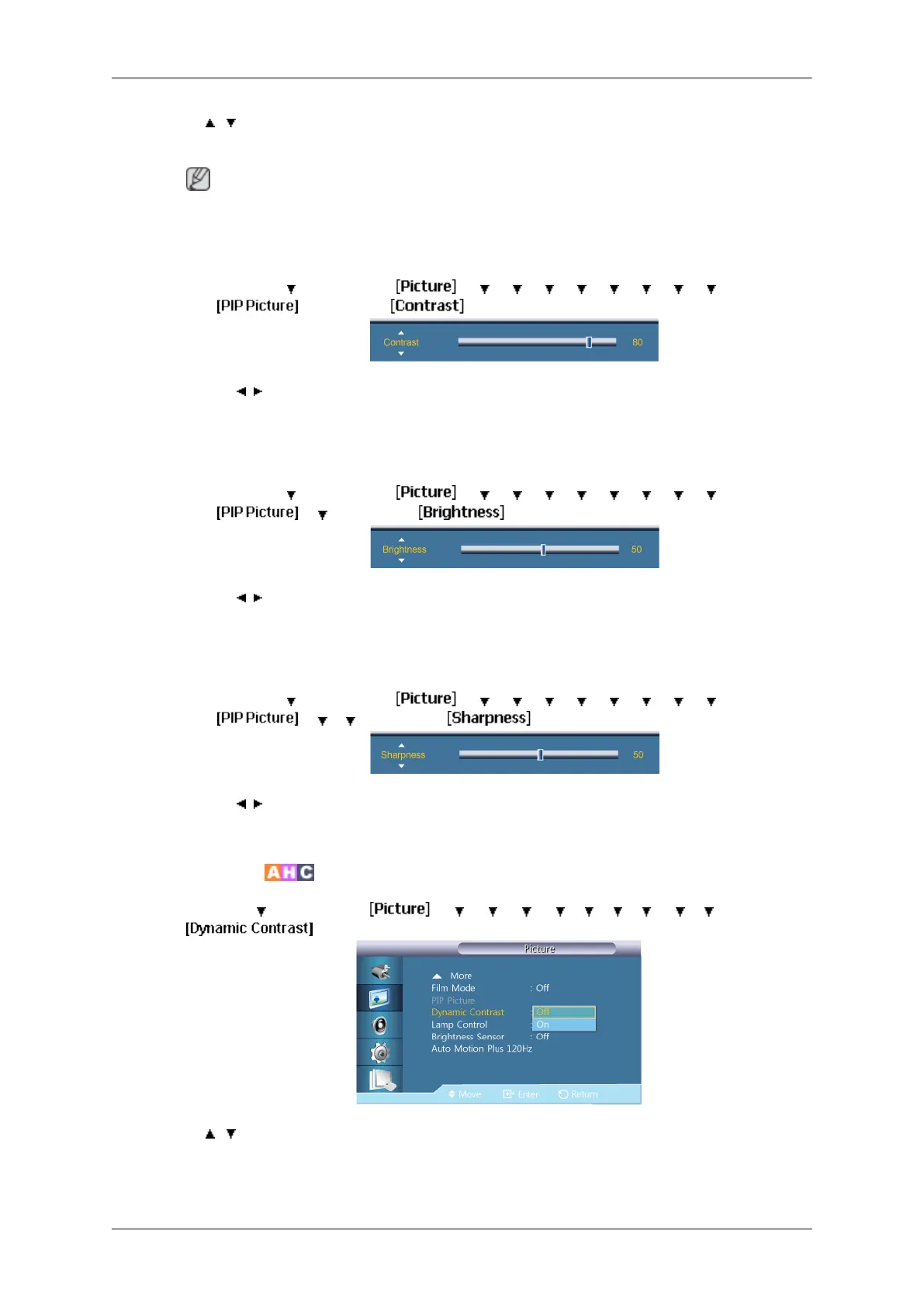
Dynamic Contrast
MENU → → ENTER → → → → → → → → → → → ENTER →
→ , → ENTER
Dynamic Contrast automatically detects the distribution of the visual signal and adjusts to
create an optimum contrast.
Adjusting the LCD Display
71







 To Next Page