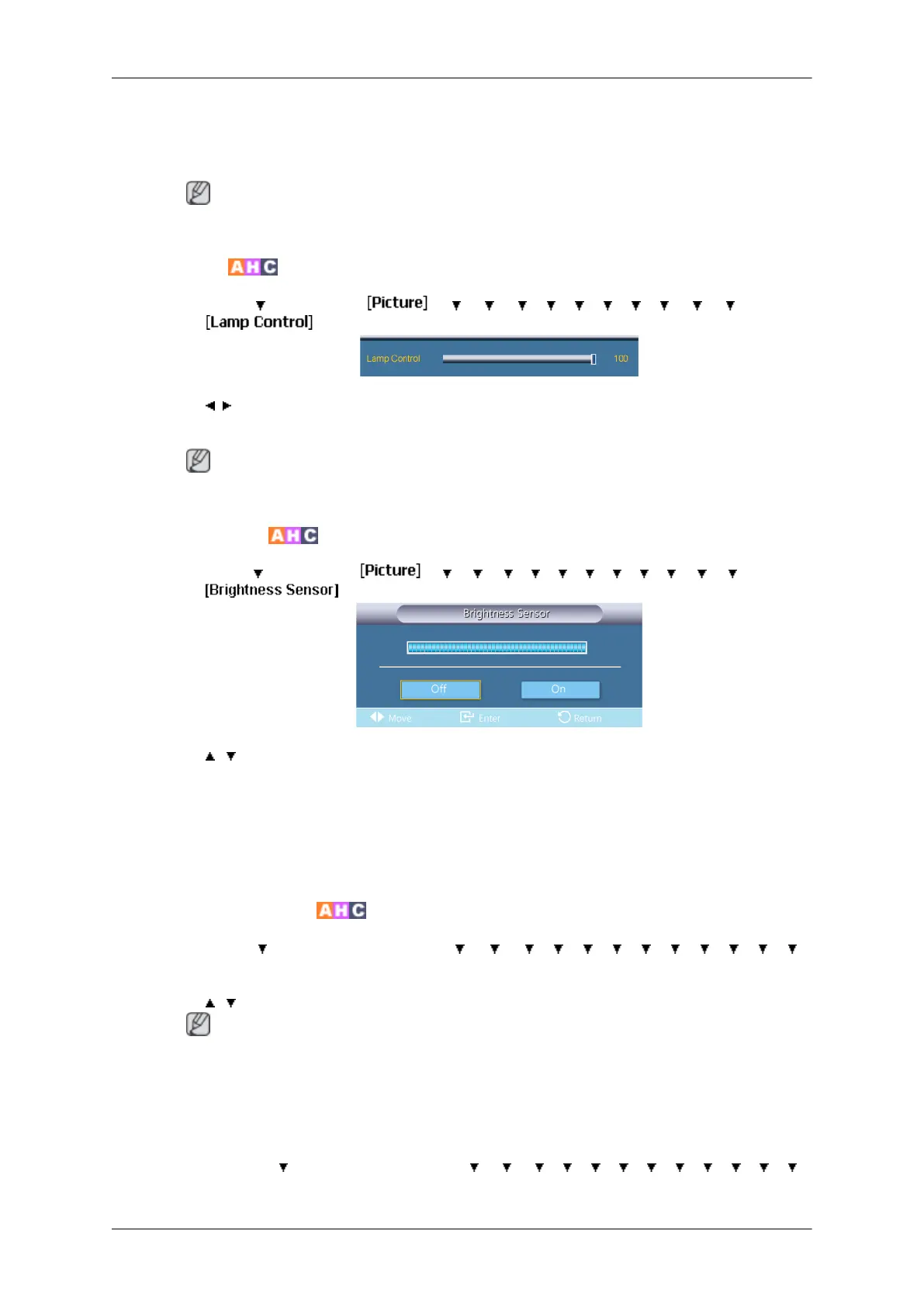
1. Off
2. On
Note
Disabled when PIP is set to On.
Lamp Control
MENU → →
ENTER →
→ → → → → → → → → → → ENTER
→
→ , → ENTER
Adjusts the inverter lamp in order to reduce energy consumption.
Note
Not available when Dynamic Contrast is set to On.
Brightness Sensor
MENU → →
ENTER →
→ → → → → → → → → → → →
ENTER
→
→ , → ENTER
Brightness
Sensor automatically detects distribution of the inputted visual signal and adjusts
to create optimum brightness.
1. Off
2. On
Auto Motion Plus 120Hz
MENU → →
ENTER → [Picture] →
→ → → → → → → → → → → →
ENTER → [Auto Motion Plus 120Hz]
→
, → ENTER
Note
Disabled when PIP is set to On.
This feature can be used to view fast moving scenes.
• Mode
MENU →
→ ENTER → [Picture] → → → → → → → → → → → → →
ENTER → [Auto Motion Plus 120Hz] → ENTER → [Mode]
Adjusting the LCD Display
72







 To Next Page