(Power) button
Use this button for turning the LCD Display on and off.
Brightness Sensor
Automatically detects the surrounding brightness.
Power indicator
Shows PowerSaver mode by blinking green
Note
See PowerSaver described in the manual for further information regarding
power saving functions. For energy conservation, turn your LCD Display
OFF when it is not needed or when leaving it unattended for long periods.
Remote Control Sensor
Aim the remote control towards this spot on the LCD Display.
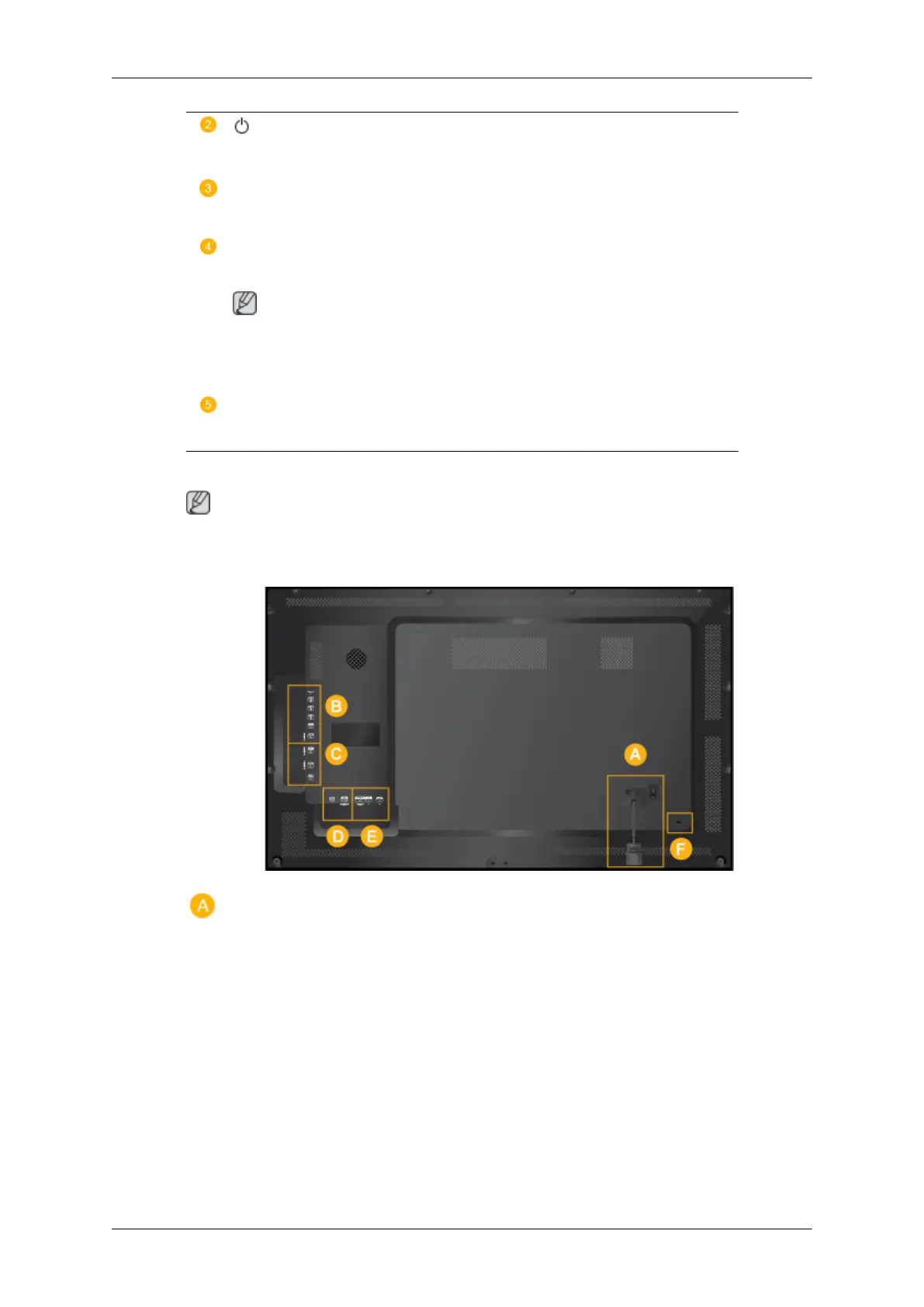
Rear
Note
For
detailed information concerning cable connections, refer to Connecting Cables under
Setup. The LCD Display's configuration at the back may vary slightly depending on the model.
Introduction
11







 To Next Page