4. 90
5. 120
6. 150
7. 180
Timer1 / Timer2 / Timer3
MENU → → → →
ENTER →
→ →
ENTER →
→ → → ENTER→
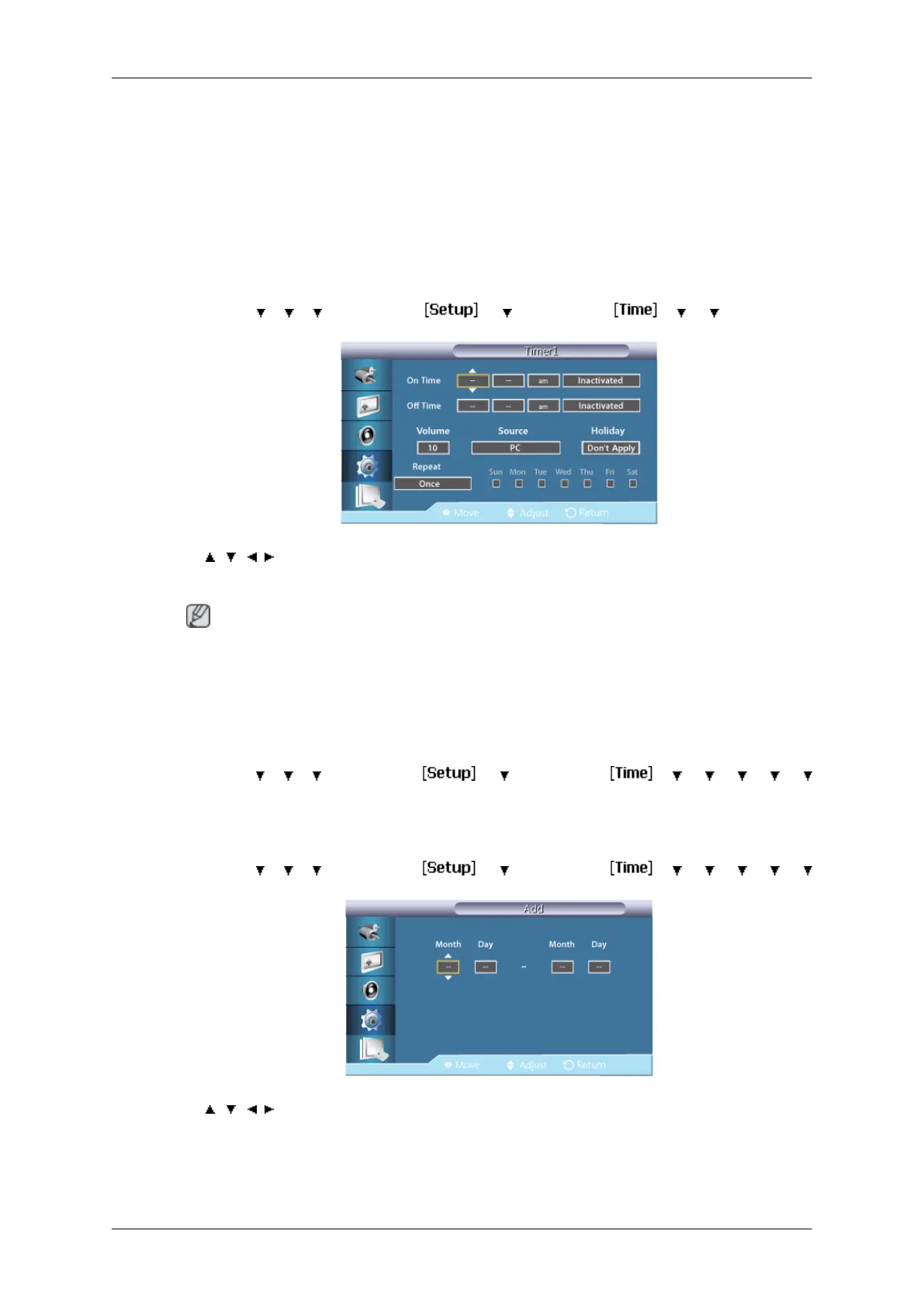
[Timer1 / Timer2 / Timer3]
→ , / , → ENTER
You can set the LCD display to automatically turn on or off at a specified time.
Note
•
Only enabled when the clock is set using the Clock Set menu.
• The Manual option allows you to select a day of the week.
Holiday Management
MENU →
→ → → ENTER → → → ENTER → → → → → →
→ ENTER→ [Holiday Management]
• Add
MENU →
→ → → ENTER → → → ENTER → → → → → →
→ ENTER→ [Holiday Management] → ENTER → [Add]
→ , / , → ENTER
You can register holidays.
• Delete Selected
Adjusting the LCD Display
79







 To Next Page