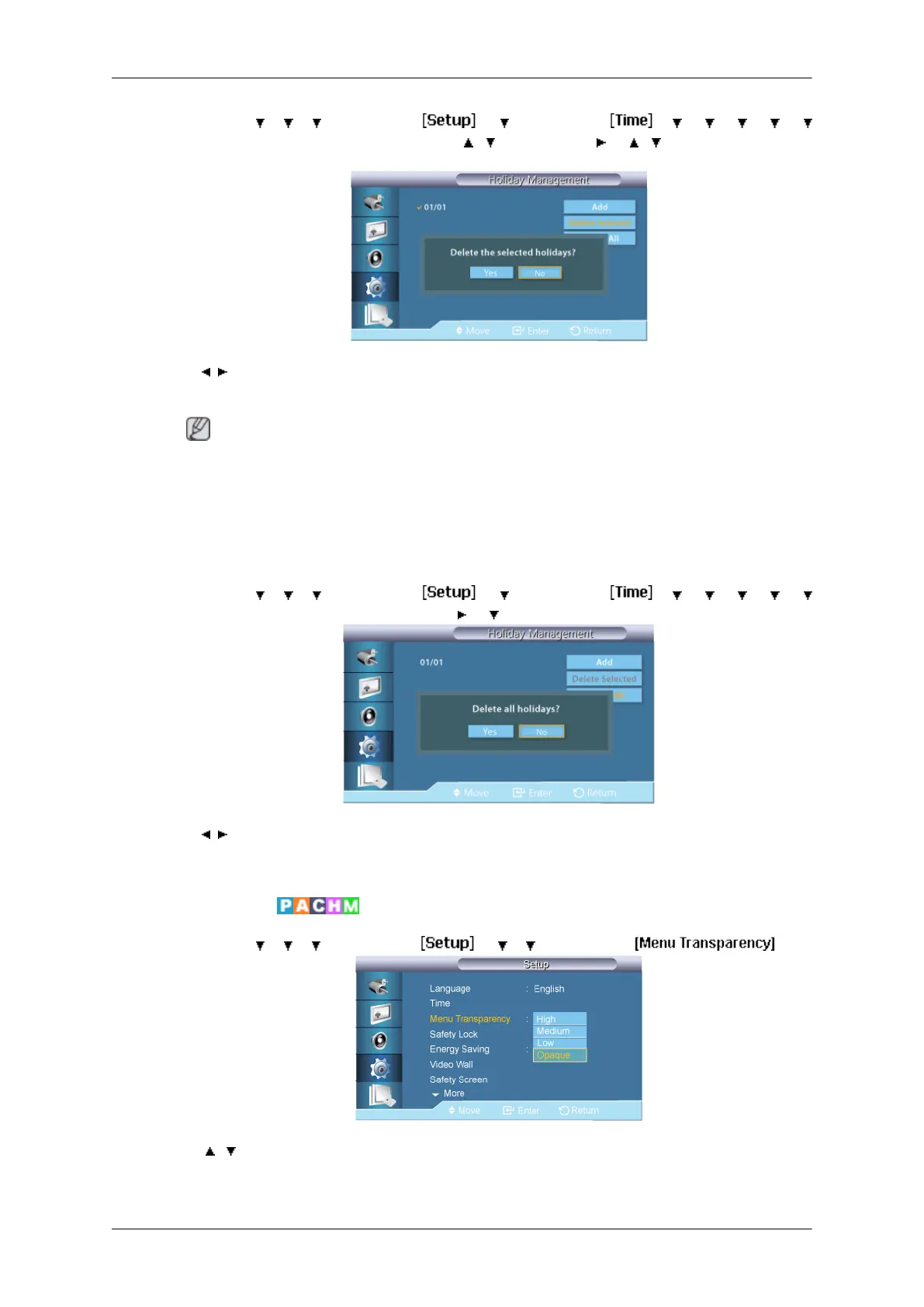
MENU → → → → ENTER → → → ENTER → → → → → →
→
ENTER → [Holiday Management] →
, →
ENTER →
→ , →
ENTER → [Delete
Selected]
→ , → ENTER
You can delete selected holidays.
Note
•
Only enabled when registered holidays are selected.
• More than one holiday can be selected and deleted.
• Delete All
MENU →
→ → → ENTER → → → ENTER → → → → → →
→ ENTER→ [Holiday Management] → → → ENTER → [Delete All]
→ , → ENTER
You can delete all the registered holidays.
Menu Transparency
MENU → → → → ENTER → → → → ENTER →
→ , → ENTER
Change the transparency of the background of the OSD.
Adjusting the LCD Display
80



 To Next Page