→ , → ENTER
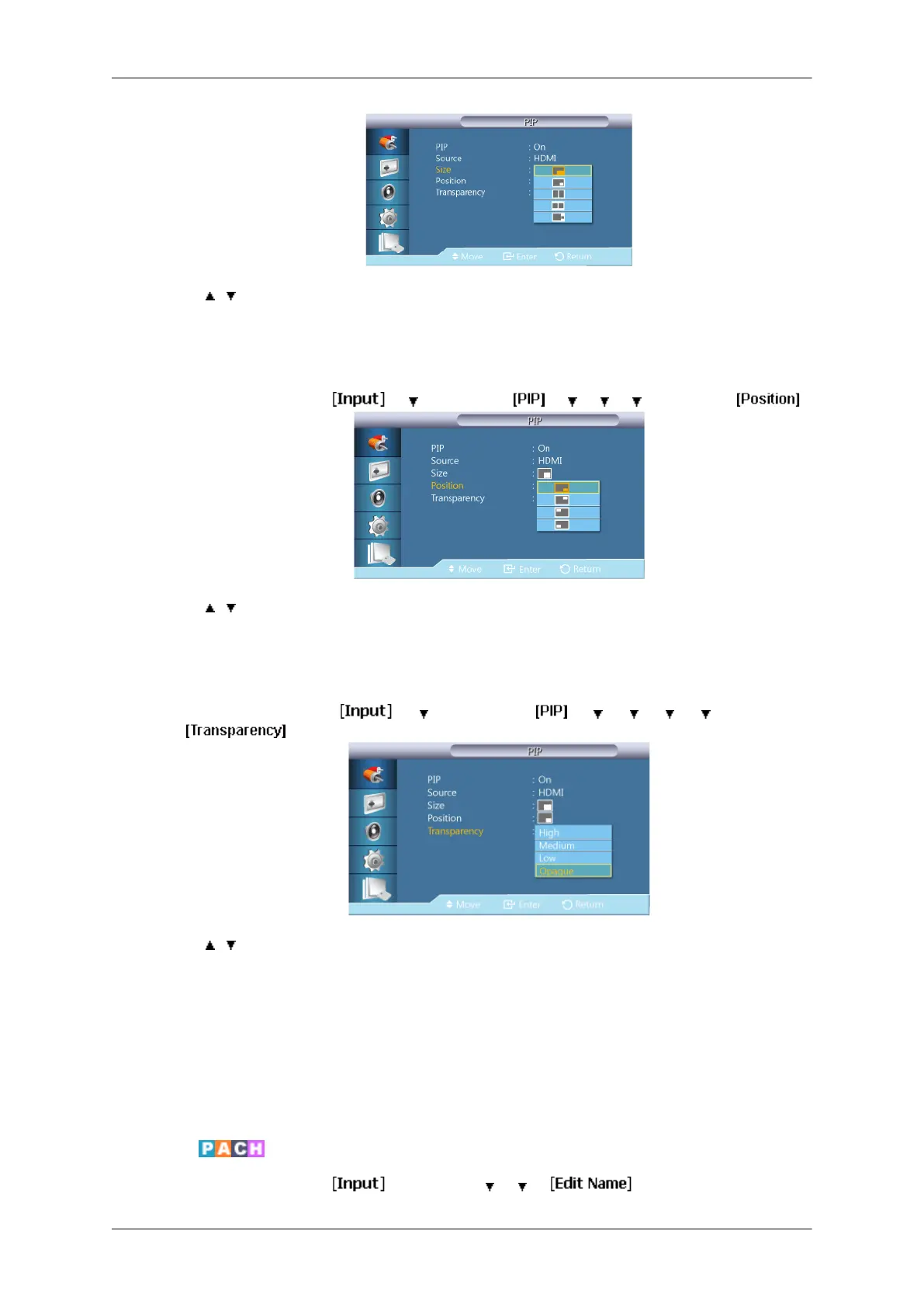
Changes the Size of the PIP window.
Position
MENU → ENTER → → →ENTER → → → → →ENTER →
→ , → ENTER
Changes the Position of the PIP window.
Transparency
MENU →
ENTER →
→ →
ENTER →
→ → → → →
ENTER →
→ , → ENTER
Adjusts the Transparency of PIP windows.
• High
• Medium
• Low
• Opaque
Edit Name
MENU → ENTER → → ENTER → → →
Adjusting the LCD Display
54







 To Next Page