3. Low
4. Opaque
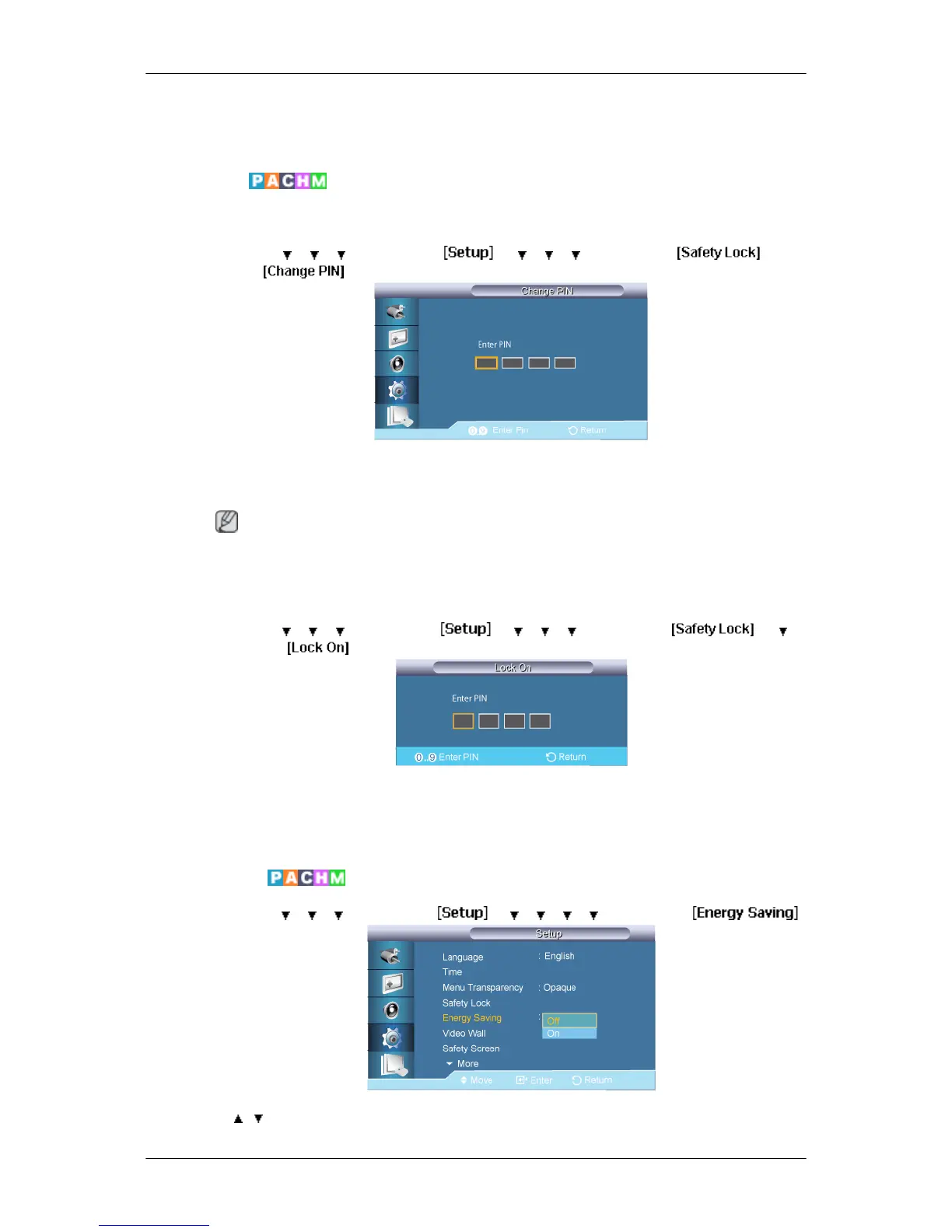
Safety Lock
Change PIN
MENU → → → → ENTER → → → → → ENTER → → EN-
TER→
→ [0∼9] → [0∼9] → [0∼9] → [0∼9]
The password can be changed.
Note
The preset password for the LCD Display is "0000".
Lock On
MENU → → → → ENTER → → → → → ENTER → → →
ENTER →
→ [0∼9] → [0∼9] → [0∼9] → [0∼9]
This is the function that locks the OSD in order to keep the current settings or to prevent
others from adjusting the settings.
Energy Saving
MENU → → → → ENTER → → → → → → ENTER →
→ , → ENTER
Adjusting the LCD Display













 To Next Page