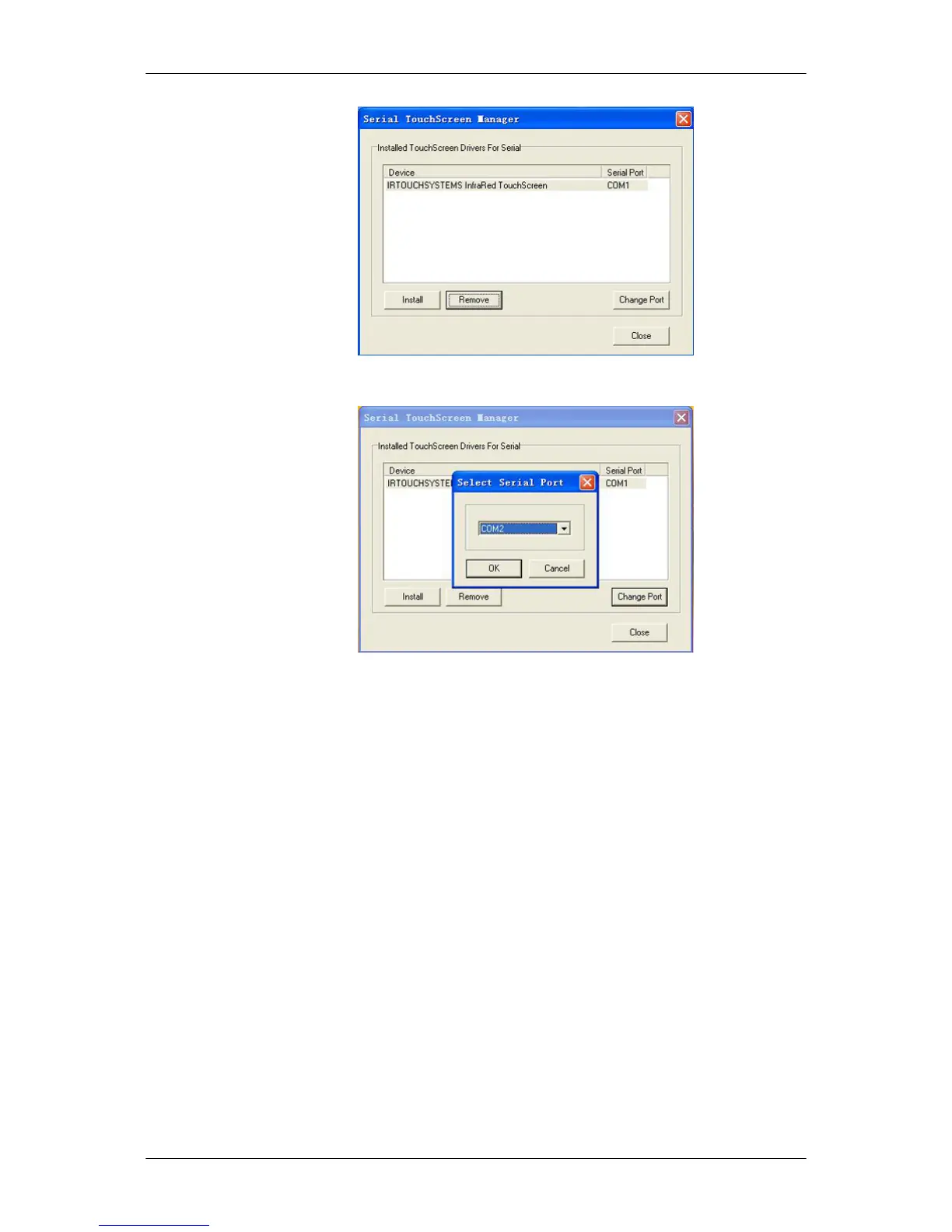
2. Click [Change Port] and change the settings of the selected Serial Port.
Attachment
General settings for touchscreen
Select "Mouse Emulation" mode to find the available options in Options: "Enable Touch,"
"Send Right Click" and "Enable Double Click". If you select the "Enable Delay Touch" option,
touch sensibility will slow down and dragging after a quick click will be treated as disabled
operations. Dragging and fast clicking will be considered disabled operations.
Using the Software
48














 To Next Page