Adjusting the LCD Display
Input
Available Modes
•
PC / DVI
•
AV
•
Component
•
HDMI
•
MagicInfo
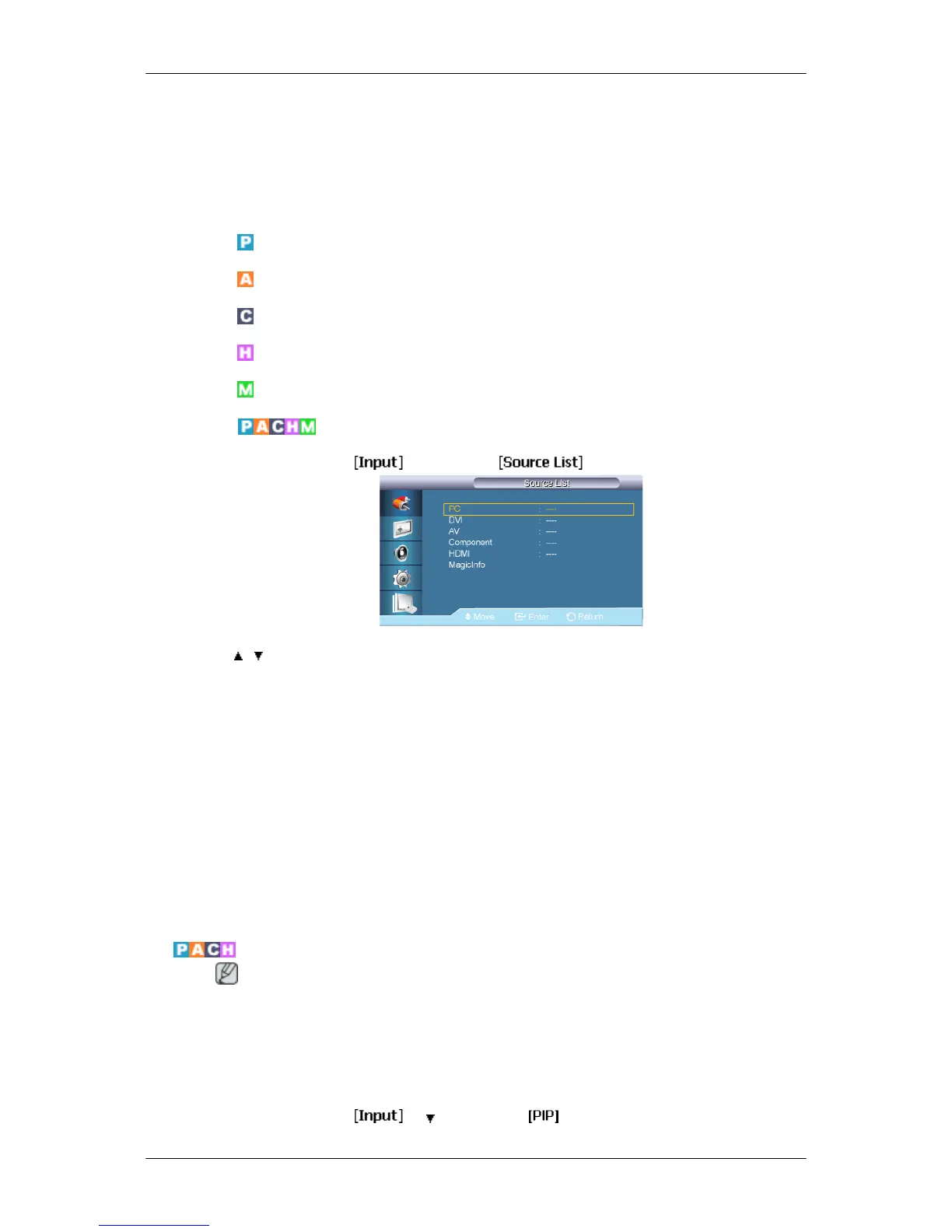
Source List
MENU → ENTER → → ENTER →
→ , → ENTER
Use to select PC, DVI or other external input sources connected to the LCD Display. Use to
select the screen of your choice.
1. PC
2. DVI
3. AV
4. Component
5. HDMI
6. MagicInfo
PIP
Note
Available Modes: PIP ON
When external AV devices such as VCRs or DVDs are connected to the LCD Display , PIP
allows you to watch video from those devices in a small window super-imposed on the PC
Video signal. (Off/On)
MENU → ENTER →
→ → ENTER →
52














 To Next Page