→ , → ENTER
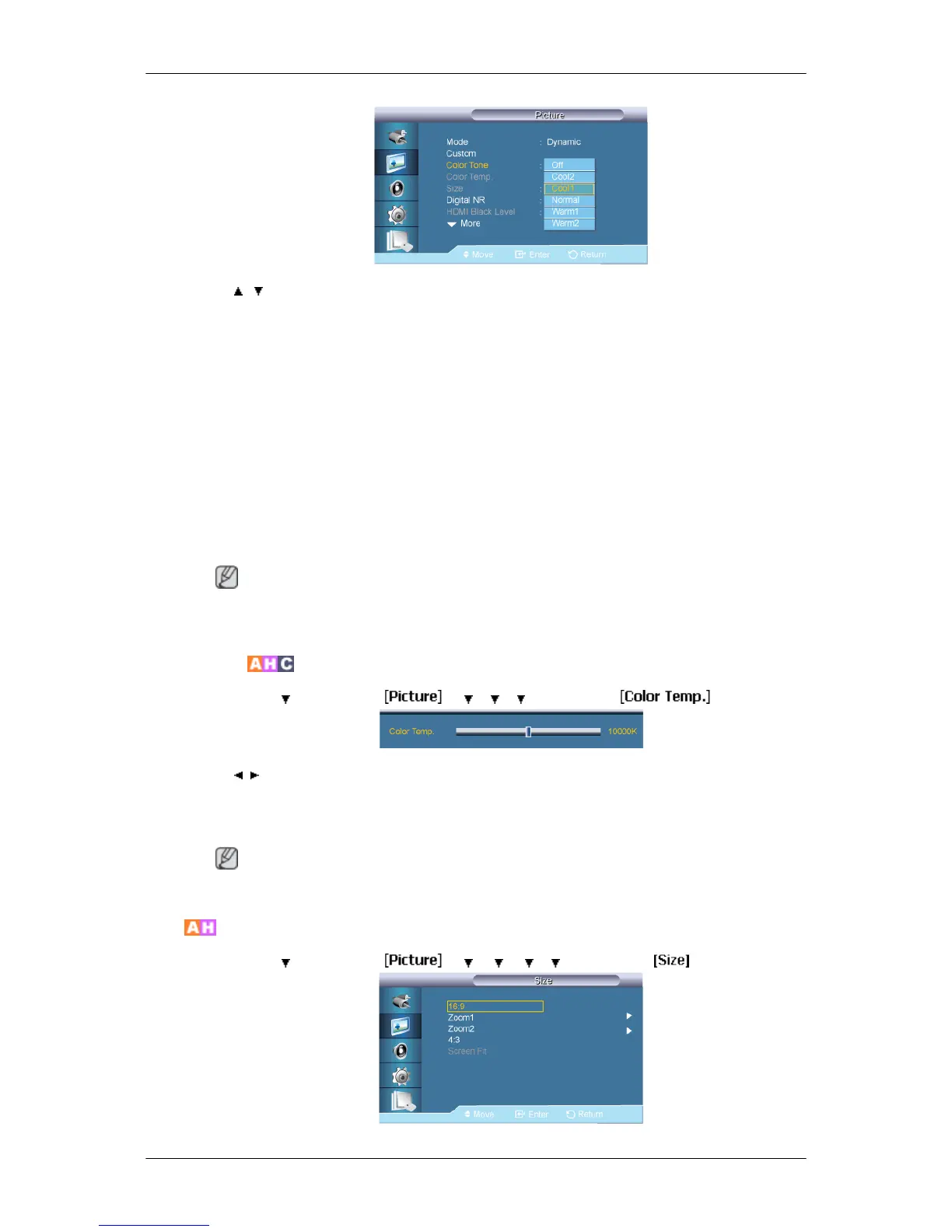
The color tones can be changed. The individual Color components are also user adjustable.
(Not available when Dynamic Contrast is set to On.)
1. Off
2. Cool2
3. Cool1
4. Normal
5. Warm1
6. Warm2
Note
If you set the Color Tone to Cool2, Cool1, Normal, Warm1, or Warm2, the Color Temp. func-
tion is disabled.
Color Temp.
MENU → → ENTER → → → → → ENTER →
→ , → ENTER
Color temp. is a measure of the 'warmth' of the image colors.
(Not available when Dynamic Contrast is set to On.)
Note
This function is only enabled if the Color Tone is set to Off.
Size
MENU → → ENTER → → → → → → ENTER →
Adjusting the LCD Display
67














 To Next Page