→ , → ENTER
The color tones can be changed.
(Not available when Dynamic Contrast is set to On.)
1. Off
2. Cool
3. Normal
4. Warm
5. Custom
Note
If you set the Color Tone to Cool, Normal, Warm, or Custom, the Color Temp. function is
disabled.
If you set the Color Tone to Off, the Color Control function is disabled
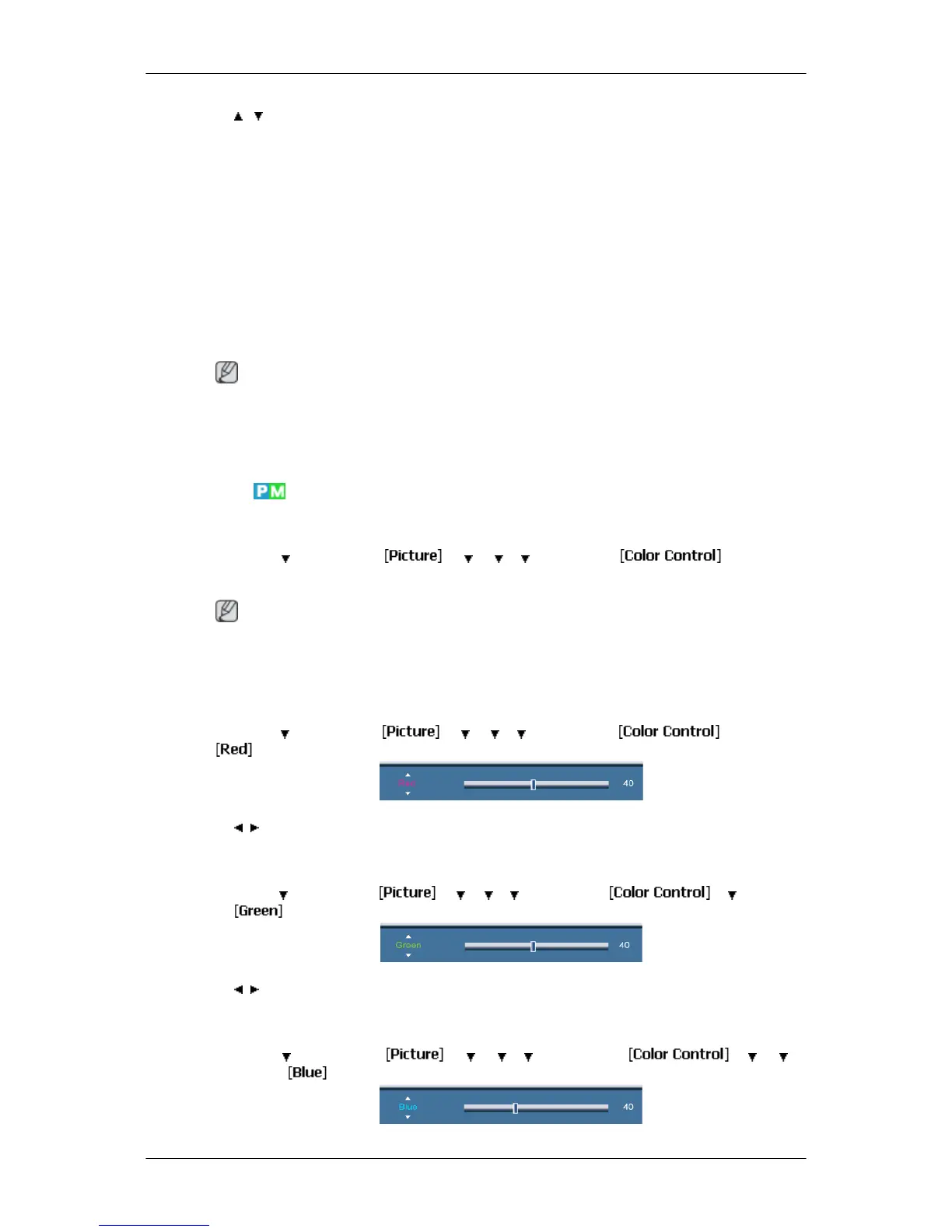
Color Control
Adjusts individual Red, Green, Blue color balance.
MENU → → ENTER → → → → → ENTER →
(Not available when Dynamic Contrast is set to On.)
Note
If you adjust the picture by using the Color Control function, Color Tone will turn to the Cus-
tom mode.
Red
MENU → → ENTER → → → → → ENTER → → ENTER →
→ , → ENTER
Green
MENU → → ENTER → → → → → ENTER → → → ENTER
→
→ , → ENTER
Blue
MENU → → ENTER → → → → → ENTER → → → →
ENTER →
Adjusting the LCD Display
58














 To Next Page