→ , → ENTER
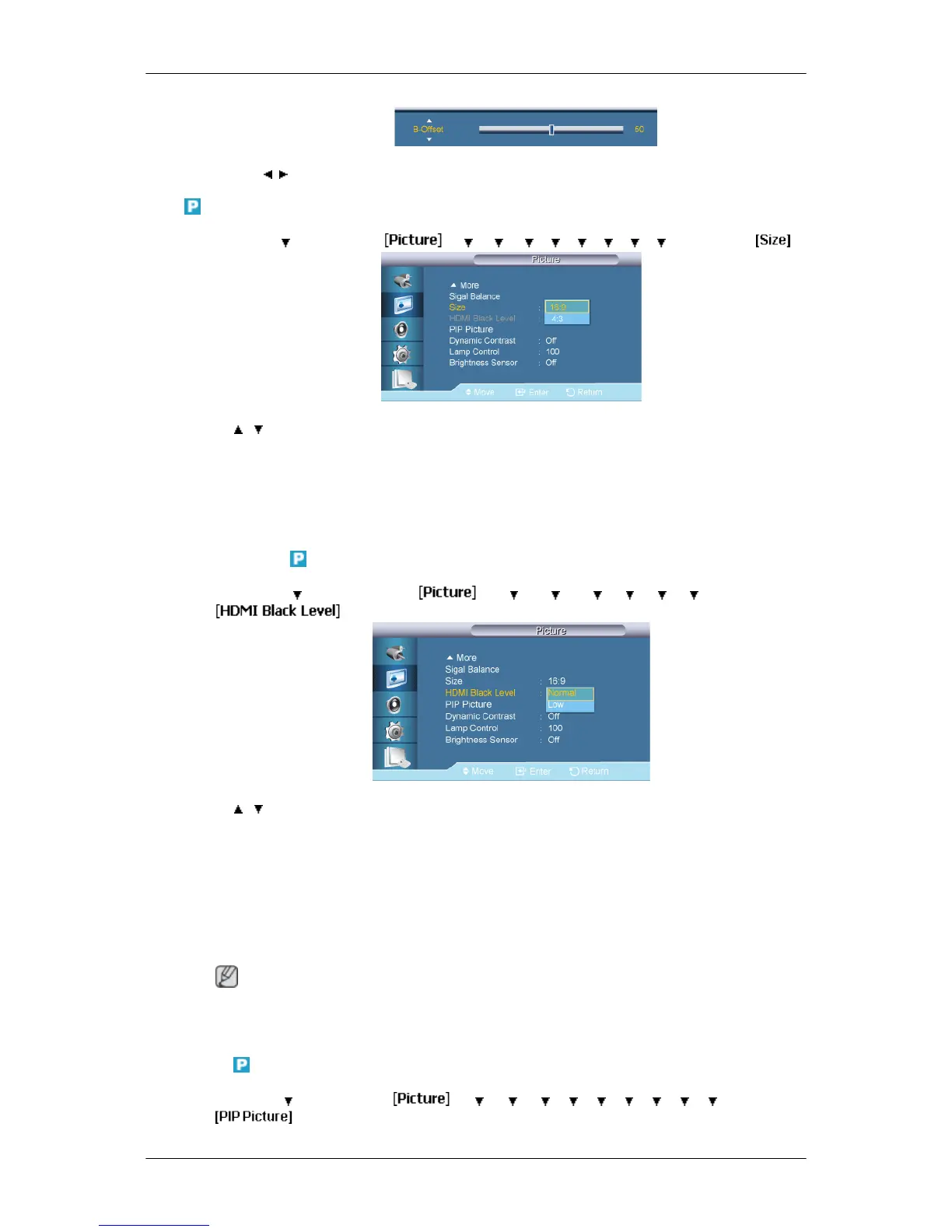
Size
MENU → → ENTER → → → → → → → → → → ENTER →
→ , → ENTER
The Size can be switched.
1. 16:9
2. 4:3
HDMI Black Level
MENU → → ENTER → → → → → → → → ENTER →
→ , → ENTER
When watching with a DVD or set-top box connecting to the product via HDMI or DVI, image
quality deterioration (black level, lower-quality contrast, lighter color tone, etc.) may occur
depending on the connected external device.
1. Normal
2. Low
Note
• For Timing which can be used for both the PC and the DTV in DVI, HDMI mode, HDMI
Black Level will be activated.
PIP Picture
MENU → → ENTER → → → → → → → → → → → ENTER →
Adjusting the LCD Display
62














 To Next Page