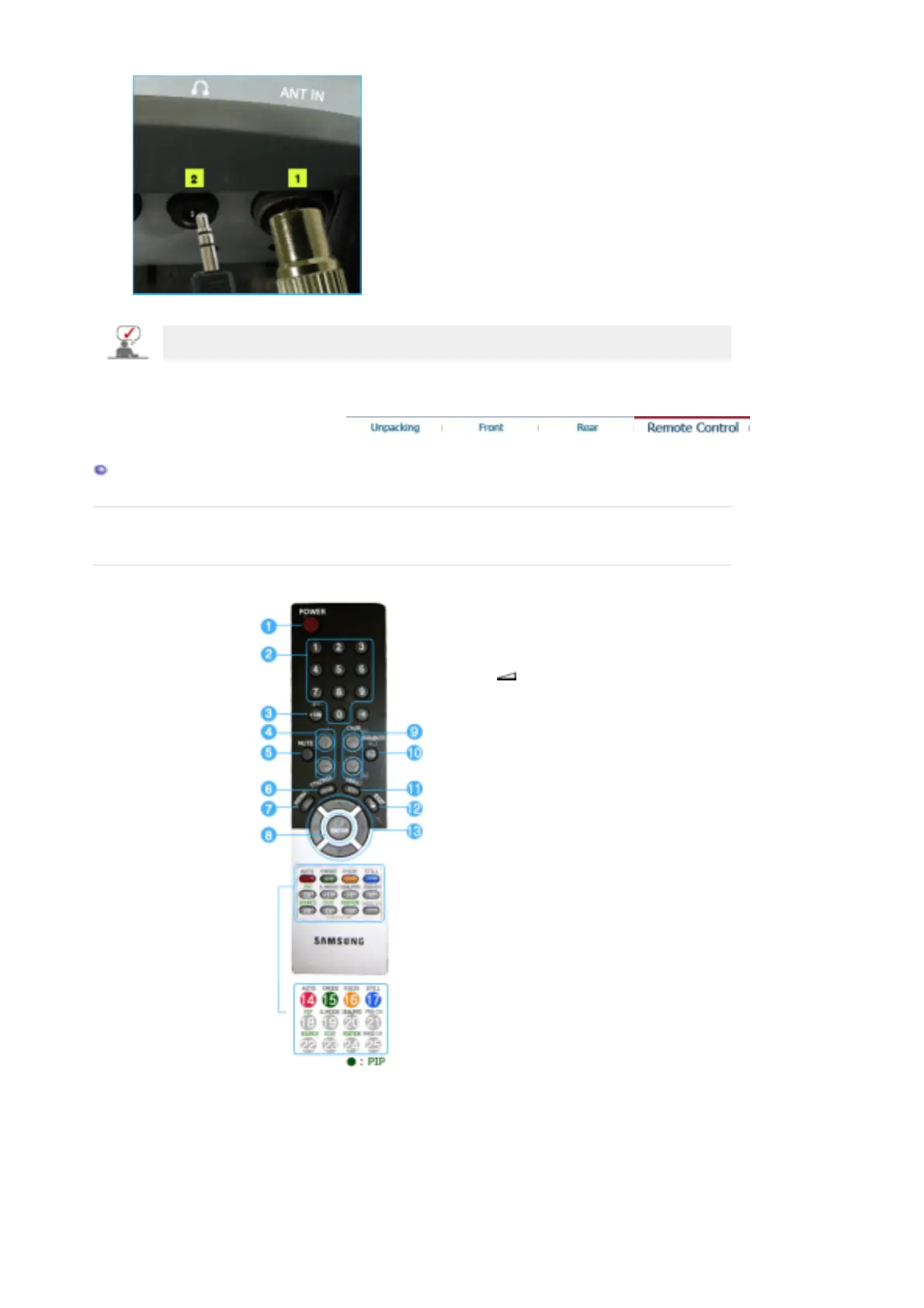
See Connecting the Monitor for further information regarding cable connections.
Remote Control
The performance of the remote control may be affected by a TV or other electronic devices
operated near the monitor, causing malfuction due to interference with frequency.
1. POWER
2. number
3. +100
4. - +
5. MUTE
6. TTX/MIX
7. MENU
8. ENTER
9. CH/P
10. SOURCE
11. INFO
12. EXIT
13. Up-Down Left-Right Buttons
14. AUTO
15. P.MODE, M/B (MagicBright™)
16. P.SIZE
17. STILL
18. PIP
19. S.MODE
20. DUAL/MTS
21. PRE-CH
22. SOURCE
23. SIZE
24. POSITION
25. MAGIC-CH
1. POWER
Use this button to turn the monitor on and off.
2. number










 To Next Page