1) 16:9
2) Normal
3) Zoom1
4) Zoom2
Sound
Available Mode
: PC
: TV : Ext. : AV : S-Video
OSD Description Play
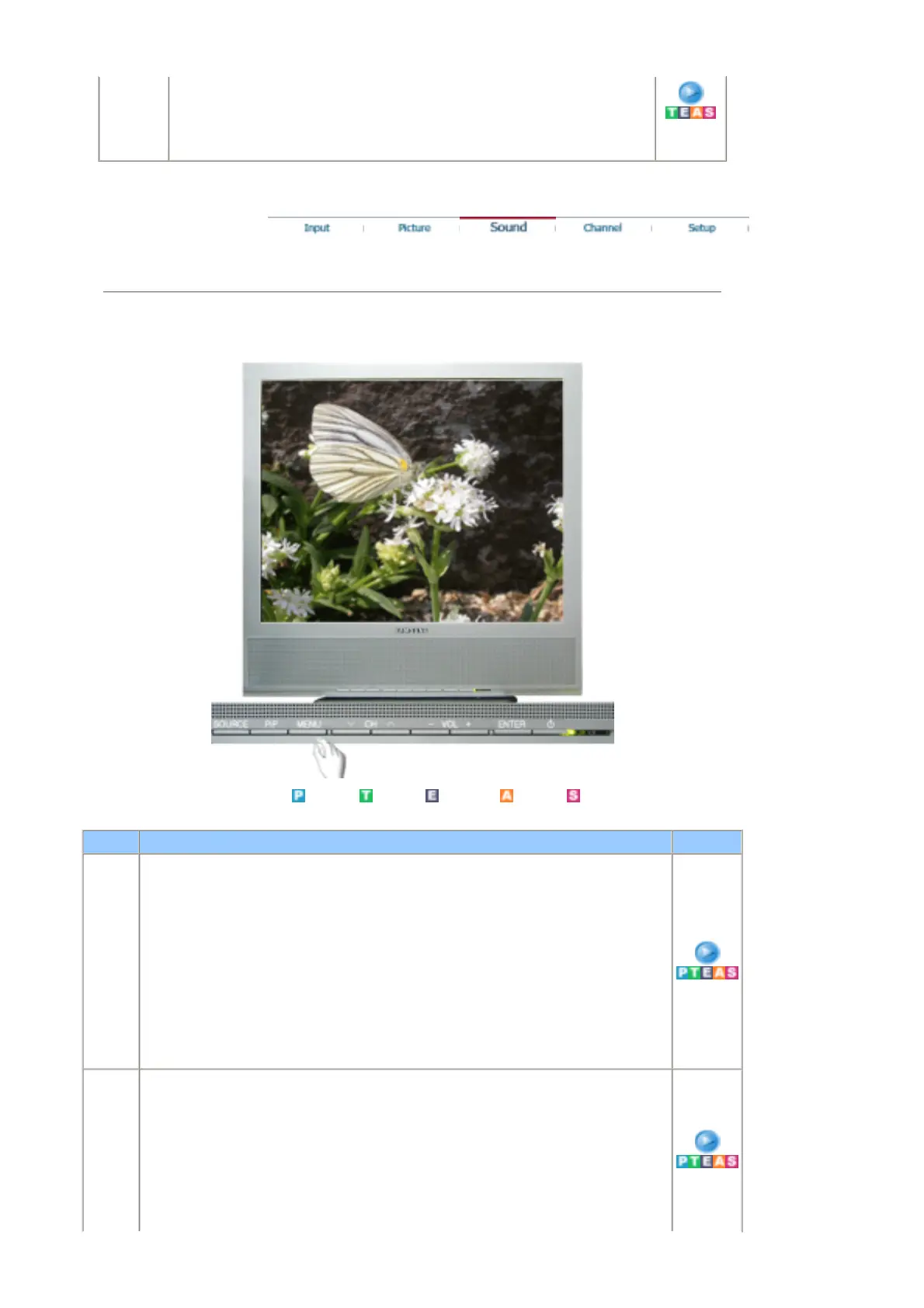
Mode The Monitor has a built-in high fidelity stereo amplifier.
- The direct button on the remote control is 'S.MODE' button.
1) Standard
: Choose Standard for the standard factory settings.
2) Music
: Choose Music when watching music videos or concerts.
3) Movie
: Choose Movie when viewing movies.
4) Speech
: Choose Speech when watching a show that is mostly dialogue (i.e., news).
5) Custom
: Choose Custom if you want to adjust the settings according to personal preference.
Custom The sound settings can be adjusted to suit your personal preference.
1) Bass
: Emphasize low frequency audio.
2) Treble
: Emphasize high frequency audio.
3) Balance
: Allows you to adjust the sound balance between the left
and right speakers.
You can hear the sound even when the sound value is










 To Next Page