Off
On
: Turn the PIP Screen on or off.
- The direct button on the remote control is 'PIP' button.
2) Source
PC : TV / Ext. / AV / S-Video Mode
: Select the input source for the PIP.
- The direct button on the remote control is 'SOURCE'
button.
3) Size
: Change the Size of the PIP window.
- The direct button on the remote control is 'SIZE'
button.
4) Position
: Change the Position of the PIP window.
- The direct button on the remote control is 'POSITION'
button.
1) PIP
Edit Name Name the input device connected to the input jacks to make your input source
selection easier.
1) PC
2) Ext.
3) AV
4) S-Video
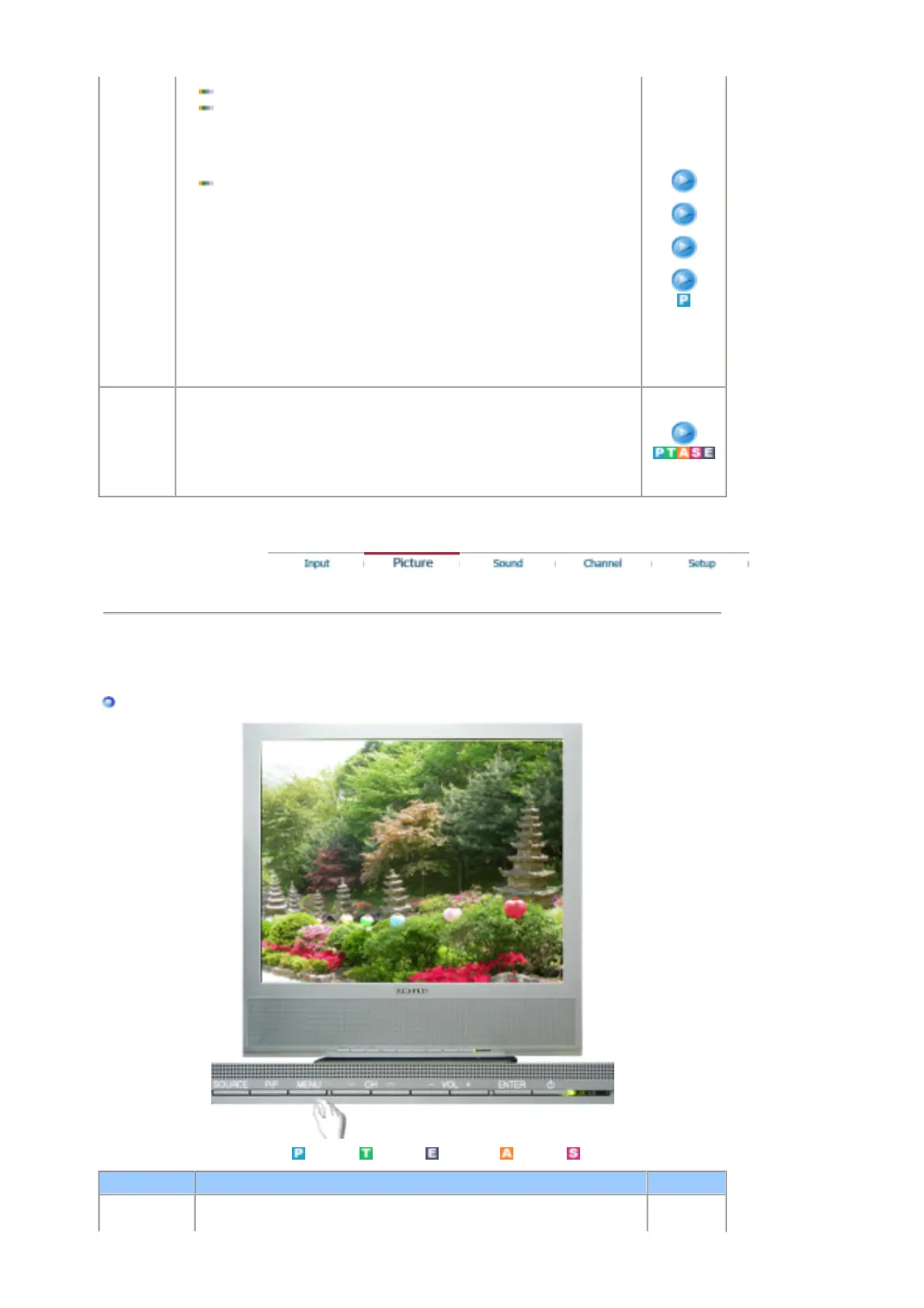
Picture
PC Mode
Available Mode
: PC
: TV : Ext. : AV : S-Video
OSD Description Play
MagicBright™ MagicBright™ is a new feature providing the optimum viewing










 To Next Page