set to 0.
Auto
Volume
Reduces the differences in volume level among broadcasters
Off
On
Dolby
Virtual
Dolby Virtual Sound Off / On (Dolby Virtual simulates the effect of the Dolby Surround sound
system, recreating the movie-theatre or concert-hall- quality sound.)
Off
On
BBE BBE (Barcus-Berry Electronics) recreates the natural sound and improves sound clarity
through boosting high and low range frequencies.
As a result, high sounds are clearer, brilliant and finely detailed while low sounds are tight,
well-defined and harmonically rich.
Off
On
BBE and Dolby Virtual cannot be functioned at the same time.
Sound
Select
You can select either Main or Sub when PIP is On.
Main
Sub
Channel
Available Mode
: PC
: TV : Ext. : AV : S-Video
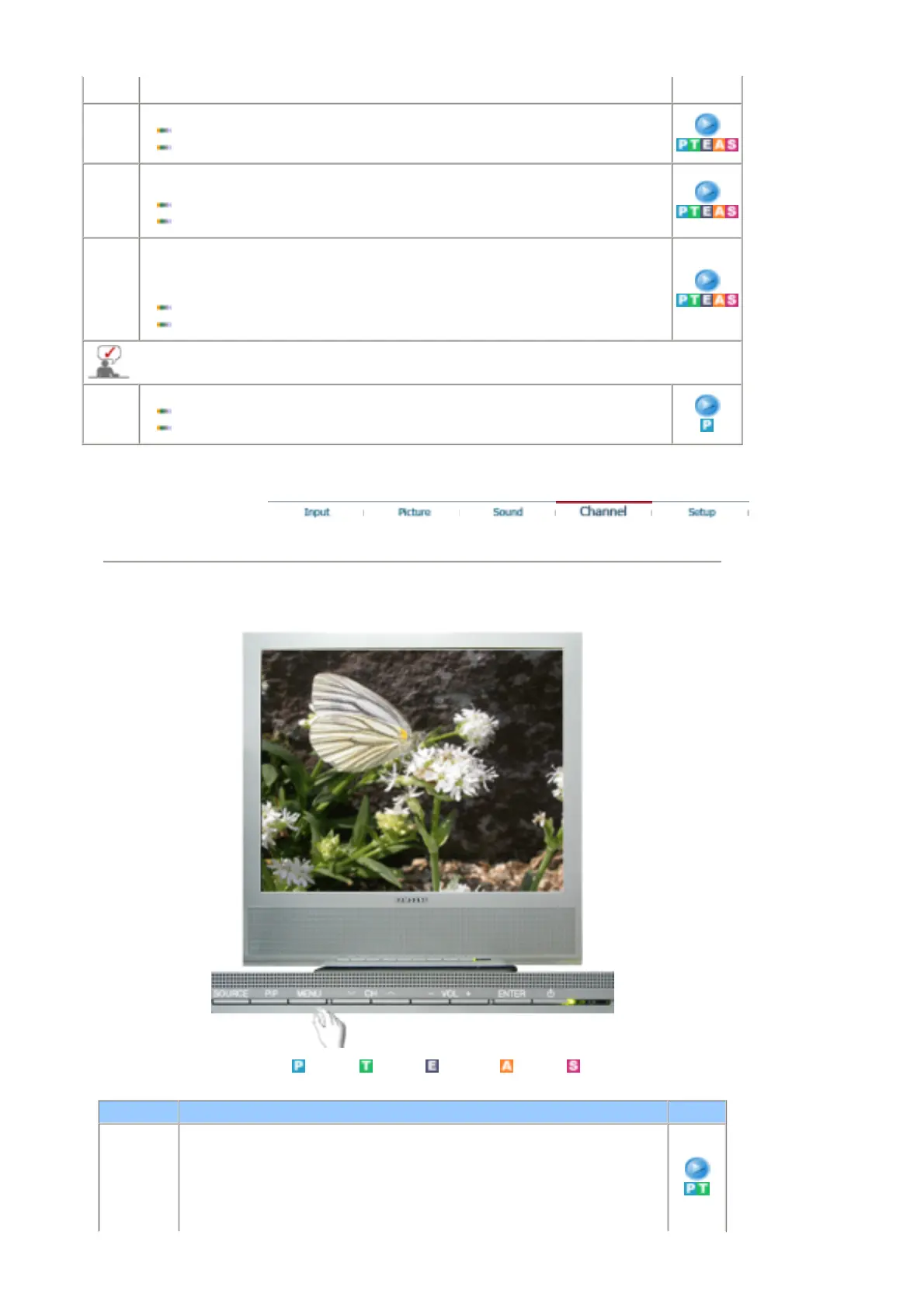
OSD Description Play
Country Select the country in which the product is being used before you use the Auto Store
feature. If you do not see your country in the list, select Other.
1) Belgium 2) France 3) Germany 4) Italy
5) Netherlands 6) Spain 7) Sweden 8) Switzerland
9) UK 10) Others 11) CIS 12) E.Europe.











 To Next Page