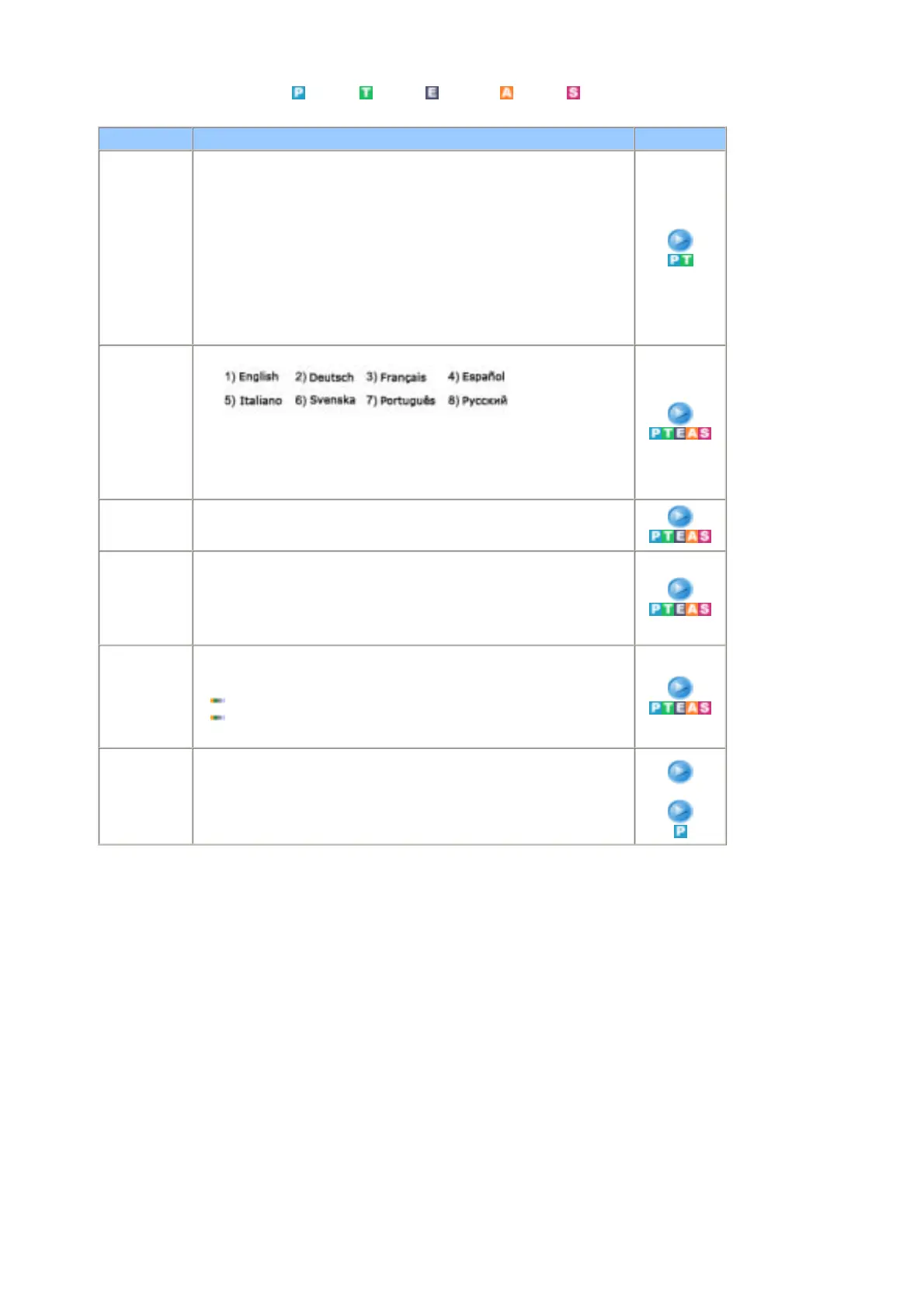
Available Mode
: PC
: TV : Ext. : AV : S-Video
OSD Description Play
Area
Configuration
When you turn the power on of the product for the first time since it released
from a factory, menu to select location will appear.
Choose the region and country where you use the monitor.
This is because broadcasting type varies according to region and country.
You can select broadcasting type in OSD menu as well by selecting MENU-
Setup-Area Configuration.
Note : This product can be used worldwide if area configuration is set up
regardless of broadcasting type.
Note : If countryis not selected properly, the product may not locate
channels.
- PC Mode :PIP is On.
Language You can choose one of 8 languages.
Note : The language chosen affects only the language of the
OSD.
It has no effect on any software running on the computer.
- You can choose other languages if areas are select.
Sleep Timer Use to set the Monitor to be turned off automatically in the set in certain
minutes.
1) Off 2) 30 3) 60 4) 90 5) 120 6) 150 7) 180
Transparency Changes the opaqueness of the background of the OSD.
1) High
2) Medium
3) Low
4) Opaque
Blue Screen If no signal is being received or the signal is very weak, a blue screen
automatically replaces the noisy picture background. If you wish to continue
viewing the poor picture, you must set the "Blue screen" mode to "Off".
Off
On
- PC Mode :PIP is On.
Reset Picture parameters are replaced with the factory default values.
1) Image Reset
2) Colour Reset
2) Colour Reset










 To Next Page