Installing the Software 4-1
The <Event Log> (terse or verbose) can also be initiated using the Webpage Administration Interface.
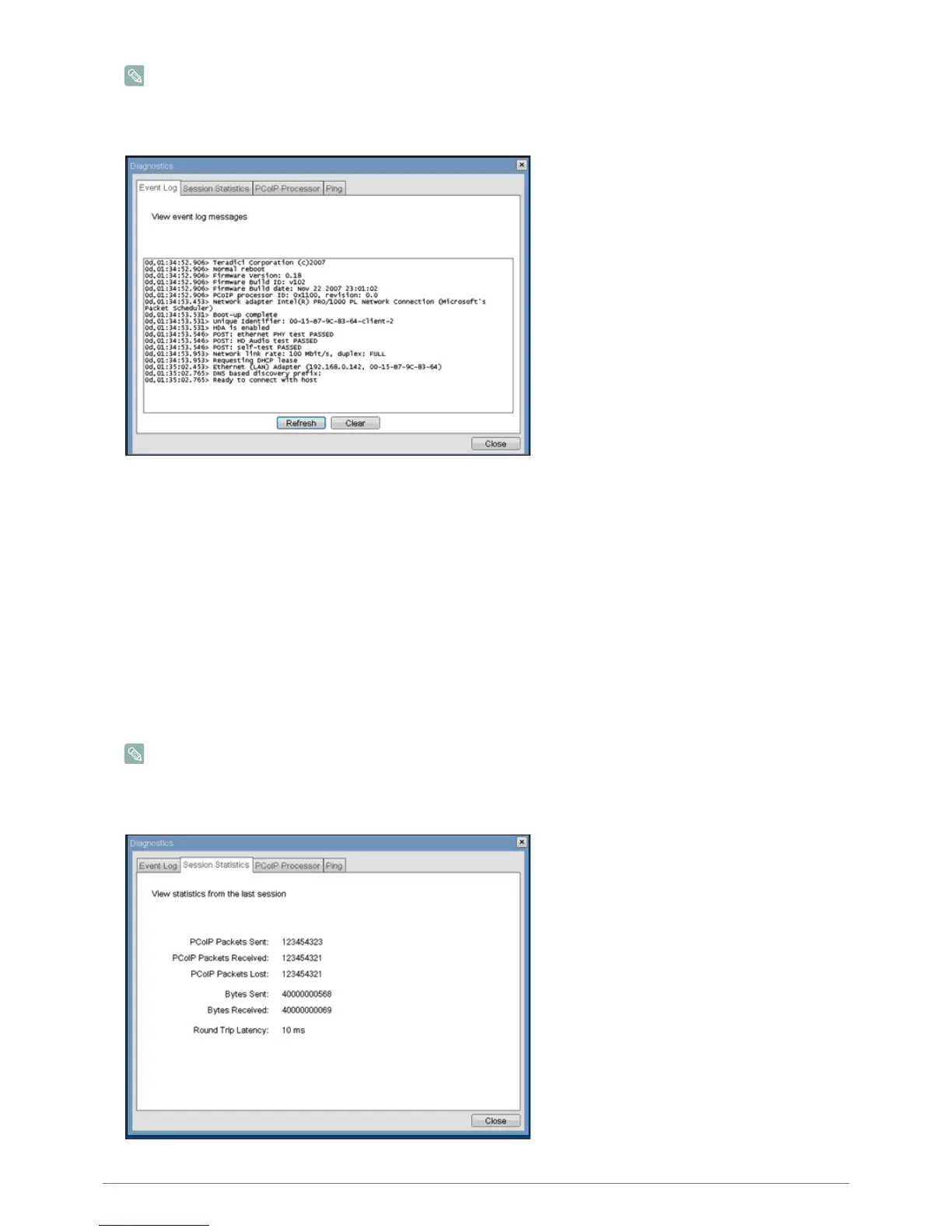
Figure : <Event Log>
<View event log message>
The <View event log messages> field displays log messages with time stamp information. There are two associated buttons
available.
•<Refresh>
Selecting the <Refresh> button refreshes the event log messages displayed.
• <Clear>
Selecting the <Clear> button clears all of the displayed event log messages.
<Session Statistics> Tab
The <Session Statistics> tab allows the administrator to view PCoIP-specific statistics for the last PCoIP session that was
active on the Portal.
<Session Statistics> (terse or verbose) can also be viewed using the Webpage Administration Interface.
Figure : <Session Statistics>
2-14
2-15













 To Next Page