4-1 Installing the Software
<PCoIP Packets Statistics>
• <PCoIP Packets Sent>
The <PCoIP Packets Sent> field reports the total number of PCoIP packets sent from the Portal to the Host in the last
active session.
• <PCoIP Packets Received>
The <PCoIP Packets Received> ield reports the total number of PCoIP packets received from the Host to the Portal in the
last active session.
• <PCoIP Packets Lost>
The <PCoIP Packets Lost> field reports the total number of PCoIP packets lost in the last active session.
<Bytes Statistics>
• <Bytes Sent>
The <Bytes Sent >field reports the total number of bytes sent in the last active session.
• <Bytes Received>
The <Bytes Received> field reports the total number of bytes received in the last active session.
<
Round Trip Latency>
The <Round Trip Latency> field reports the total round-trip PCoIP system (e.g. Portal to Host and back to Portal) and network
latency in milliseconds (+/- 1 ms).
<PCoIP Processor> Tab
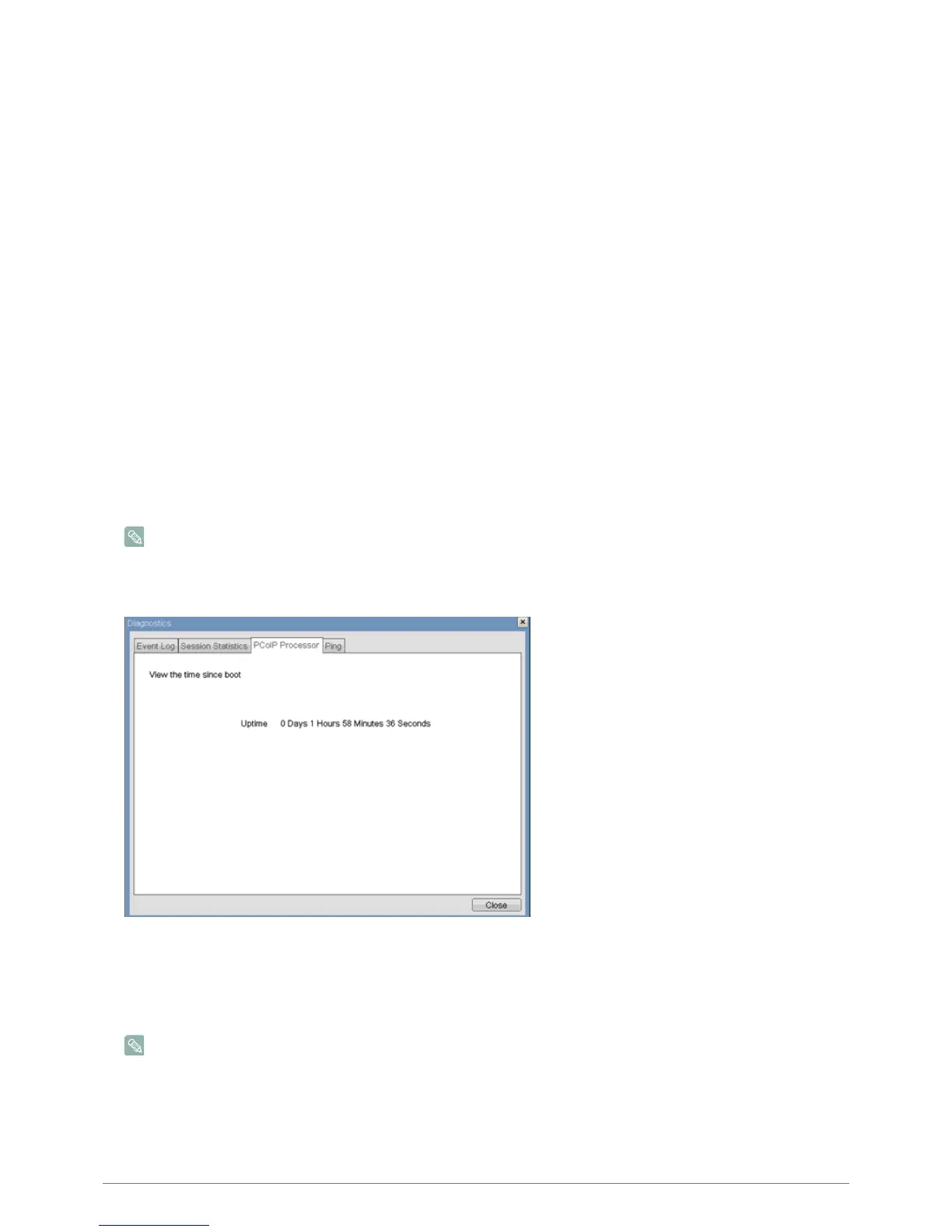
The <PCoIP Processor> tab allows the administrator to view the uptime of the Portal PCoIP processor since last boot.
The <PCoIP Processor> Uptime can also be viewed in the Webpage Administration Interface.
Figure : <PCoIP Processor>
<Ping> Tab
The <Ping> tab allows the administrator to ping a device to see if it is reachable across an IP network. This may be useful for
determining if a Host is reachable.
The <Ping> tab has no matching menu in the Webpage Administration Interface of Section 1.
Figure : <Ping>
2-16
2-17













 To Next Page