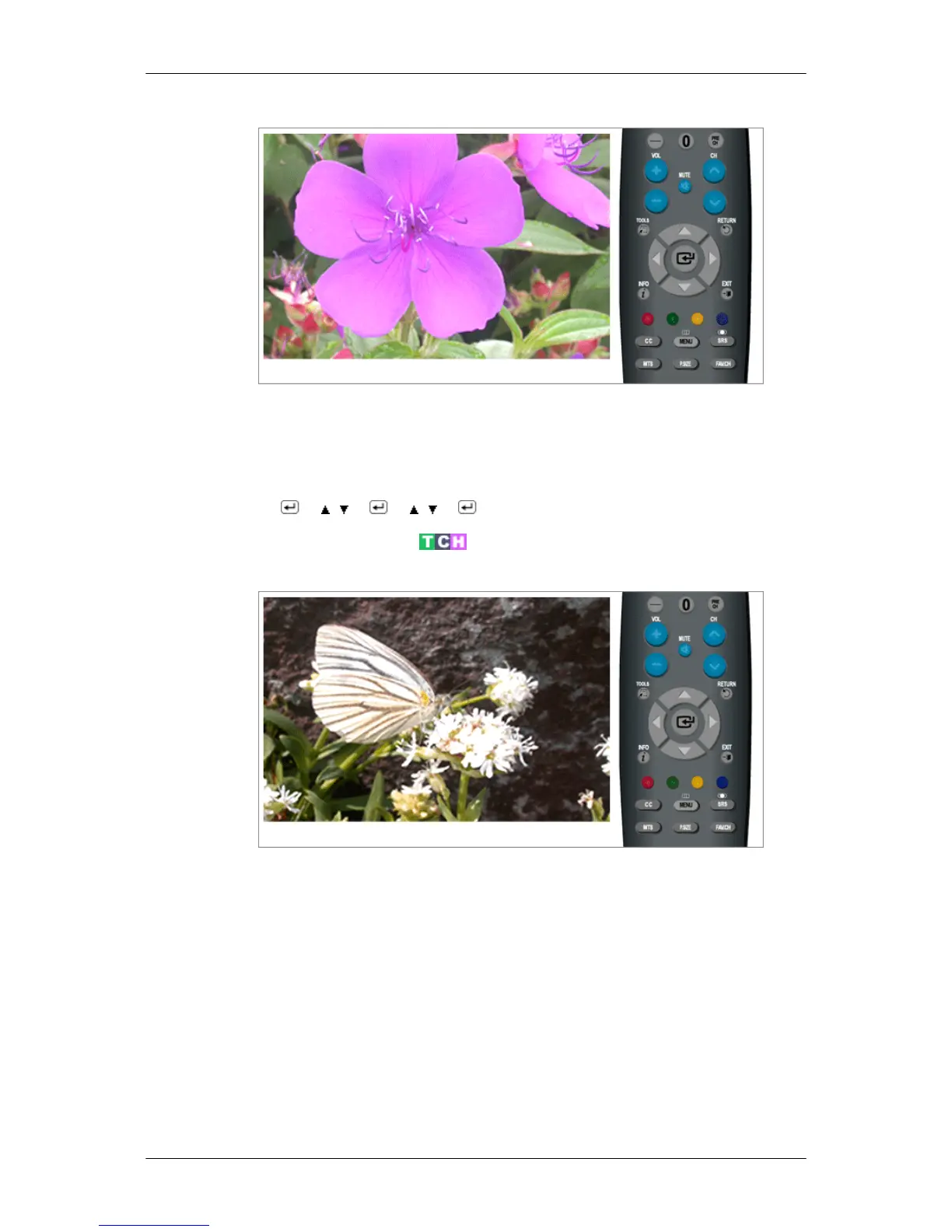
Reset
Picture parameters are replaced with the factory default values.
• OK
• Cancel
MENU → → , → → , → → MENU,EXIT
Picture : TV / Component / HDMI
Mode
The Monitor has three automatic picture settings ("Dynamic", "Standard", and "Movie") that are
preset at the factory.
You can activate either Dynamic, Standard, or Movie.
• Dynamic
Selects the picture for high-definition in a bright room.
• Standard
Selects the picture for optimum display in a normal environment.
• Movie
Selects the picture for viewing movies in a dark room.
Adjusting the Monitor













 To Next Page