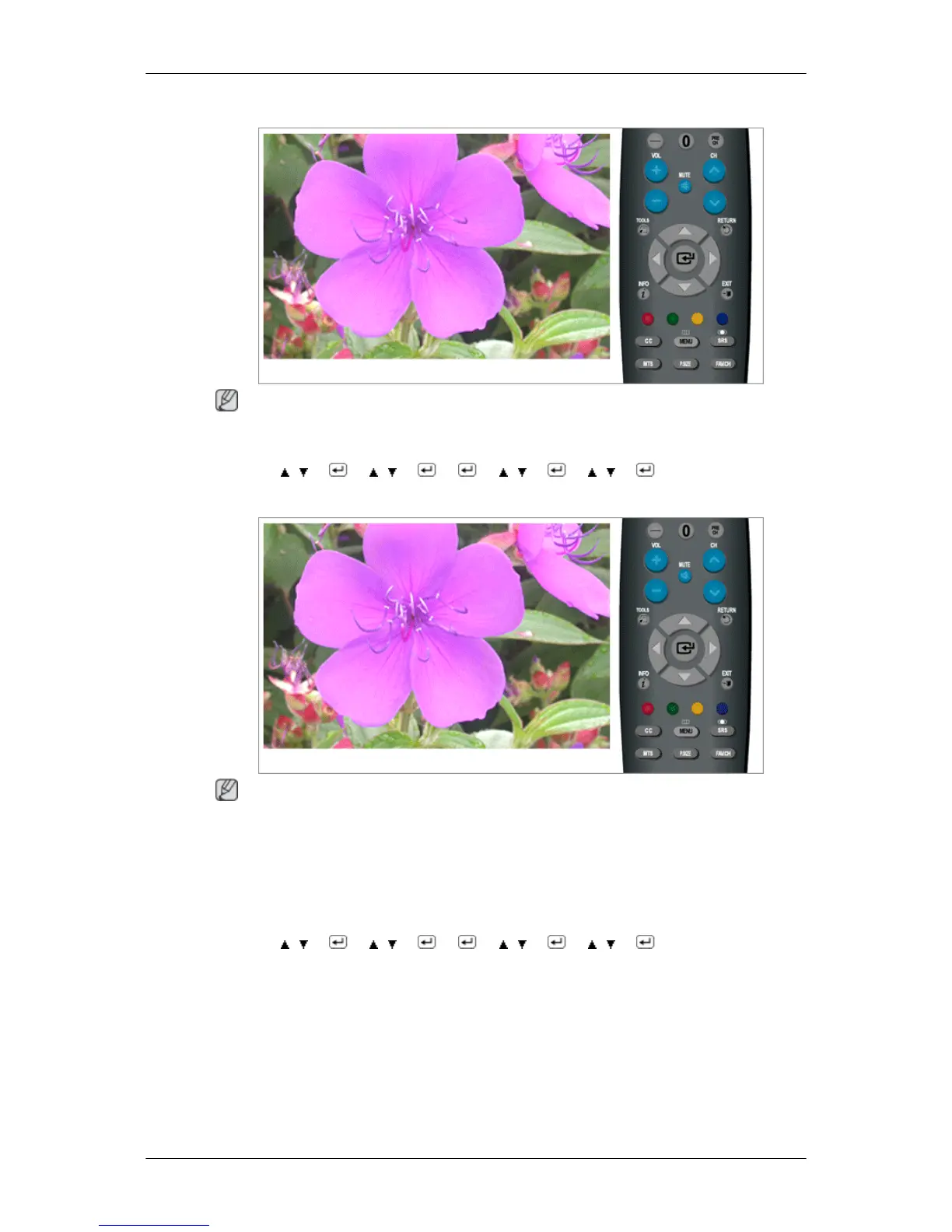
- Time Zone
Note
“Time Zone” are available only when “Clock Mode” set to “Auto”.
MENU → , → → , → → → , → → , → → MENU,EXIT
- DST
Note
• “DST” are available only when “Clock Mode” set to “Auto”.
• Depending on the broadcast station and signal, the auto time may not be set correctly. If this occurs,
set the time manually.
• The Antenna or cable must be connected in order to set the time automatically.
MENU → , → → , → → → , → → , → → MENU,EXIT
Adjusting the Monitor













 To Next Page